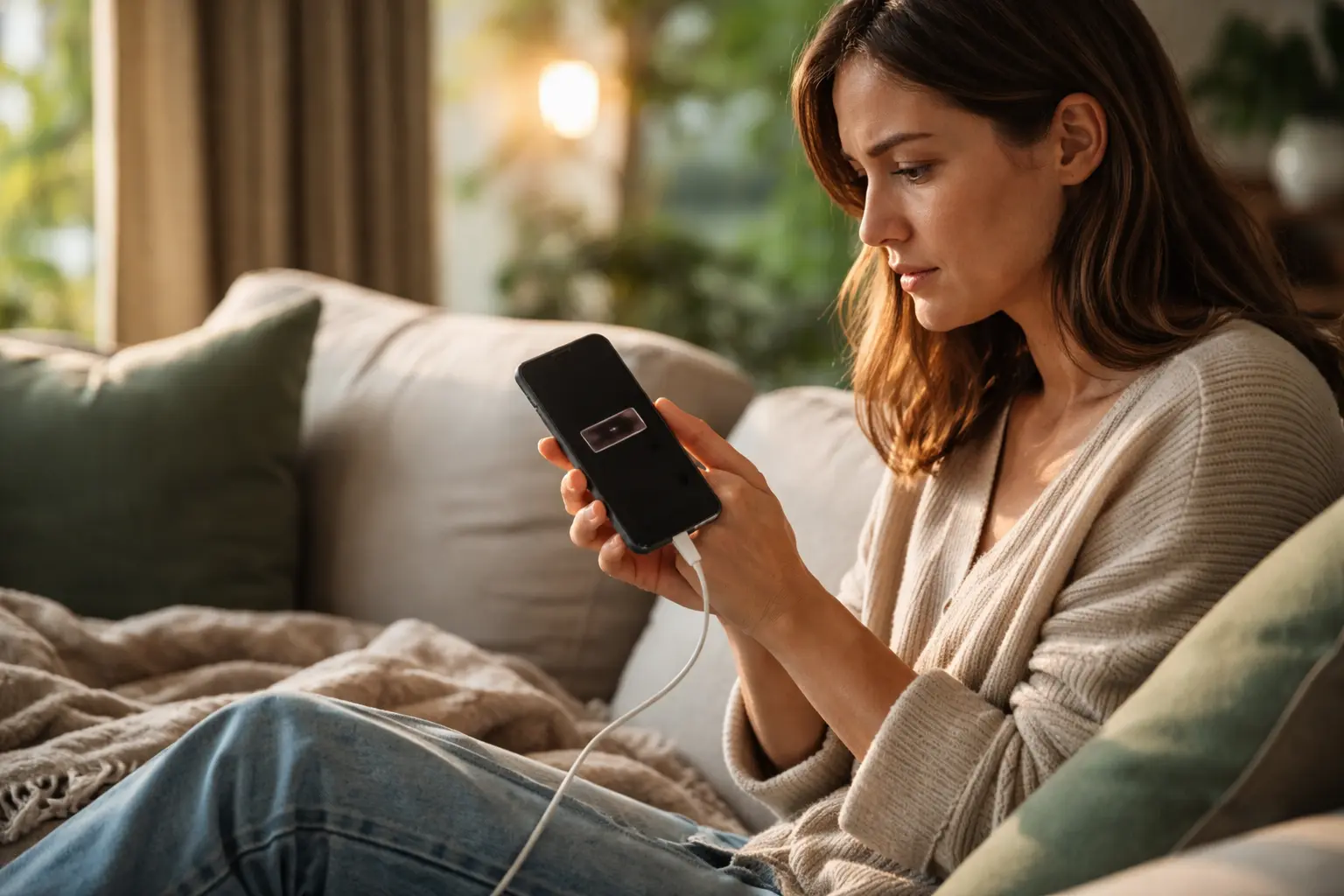
Your phone dies right when you’re trying to call your grandkids or check important messages, and it feels like betrayal, but learning to extend smartphone battery life is simpler than you think and will change how you use your device every single day.
Optimize your settings wisely
Think about the last time you were reading something on your phone and had to squint because the screen was so bright. That brightness setting is like leaving all the lights on in your house while nobody’s home. I learned this the hard way when my phone would die by mid-afternoon. Dimming your screen brightness to a comfortable level, maybe around 40 to 50 percent, makes an enormous difference. Then there are those notifications constantly pinging away. Every time your email, news app, or social media sends a notification, your phone wakes up and uses battery power. Turning off push notifications for apps you don’t urgently need gives your battery real breathing room. Background app refresh is another hidden battery drainer. Apps refreshing data in the background while you’re not even using them is like having someone constantly running errands you never asked for. Disabling this for non-essential apps keeps your battery healthier and your phone more responsive.
- Dim screen brightness to conserve power
- Disable unused push notifications
- Limit background app refresh to save battery
Utilize battery-saving modes
Your smartphone has a built-in feature that most people never touch, and it’s honestly a game-changer. Battery-saving mode or low power mode is like putting your phone on a sensible diet. When you activate it, your phone automatically reduces performance, limits background activity, and adjusts screen refresh rates to stretch every bit of battery life. I started using this mode once my battery hit 30 percent, and suddenly I could go from mid-afternoon to evening without panic. Some newer phones even have an extreme battery-saving mode that strips things down further, keeping only essential functions like calling and texting active. It sounds restrictive, but when you’re out and need your phone to last, it’s incredibly reassuring. The beauty of these modes is they work quietly in the background without you having to remember a bunch of complicated steps. Your phone does the heavy lifting for you.
💬 Ready to feel better in 2 minutes?choose where to begin:
Mind your charging habits
Charging habits are where a lot of people accidentally damage their batteries without realizing it. Leaving your phone plugged in overnight every single night is like keeping your battery in overdrive constantly. Modern batteries don’t like sitting at 100 percent for hours on end. I used to plug my phone in right before bed and leave it charging all night, thinking I was being responsible. What I didn’t know was that this practice actually wears out the battery faster over time. The sweet spot is charging your phone when it drops to around 20 percent and unplugging it once it hits 80 percent. This might sound inconvenient, but your battery will thank you with years of better performance. If you must charge overnight, consider using a slower charger or setting a timer reminder to unplug after a couple of hours. Avoiding complete battery drains is equally important because running your phone down to zero percent strains the battery chemistry.
Invest in a quality power bank
Sometimes even the best battery habits aren’t enough, especially if you’re out all day visiting friends, running errands, or traveling. This is where a portable power bank becomes your best friend. A quality power bank is like carrying a spare battery in your pocket. I picked up a reliable 20,000 mAh power bank a few years ago, and it has saved me countless times when I was away from home longer than expected. The key is finding one that’s compatible with your phone, whether that’s a USB-C, Lightning, or micro-USB connector. Check the capacity too; a 10,000 mAh bank will give you roughly one full charge, while a 20,000 mAh provides two or more depending on your phone model. Keep it charged at home so it’s ready when you need it. The peace of mind knowing you have backup power means you can actually enjoy your day without watching your battery percentage like a hawk.
Extending your smartphone battery life doesn’t require complicated tricks or expensive upgrades. By dimming your screen brightness, managing notifications, limiting background app refresh, and using battery-saving modes, you’re already ahead of the game. Smart charging habits like avoiding overnight charging and keeping your battery between 20 and 80 percent will preserve your battery’s health for years. And when you need that extra security, a reliable power bank ensures you’re never stranded without power. These practical strategies work together to give you a phone that lasts through your entire day without stress.
Is it harmful to keep my phone plugged in overnight?
While leaving your phone plugged in overnight occasionally won’t cause immediate harm, it’s best to avoid it to prevent unnecessary strain on the battery over time.
Should I always let my phone battery drain completely before charging?
Modern smartphones operate best when charged between 20% and 80% capacity. Avoid letting your battery drain completely as it can reduce its overall lifespan.
Others also read:
Disclaimer: This article is for informational purposes only and is not a substitute for professional medical advice. Always consult a healthcare professional for personal guidance.
This article presents an experience-based perspective and has been reviewed by the GlobalHealthBeacon editorial team in 2026. It provides structured, evidence-based information to support informed health decisions.
