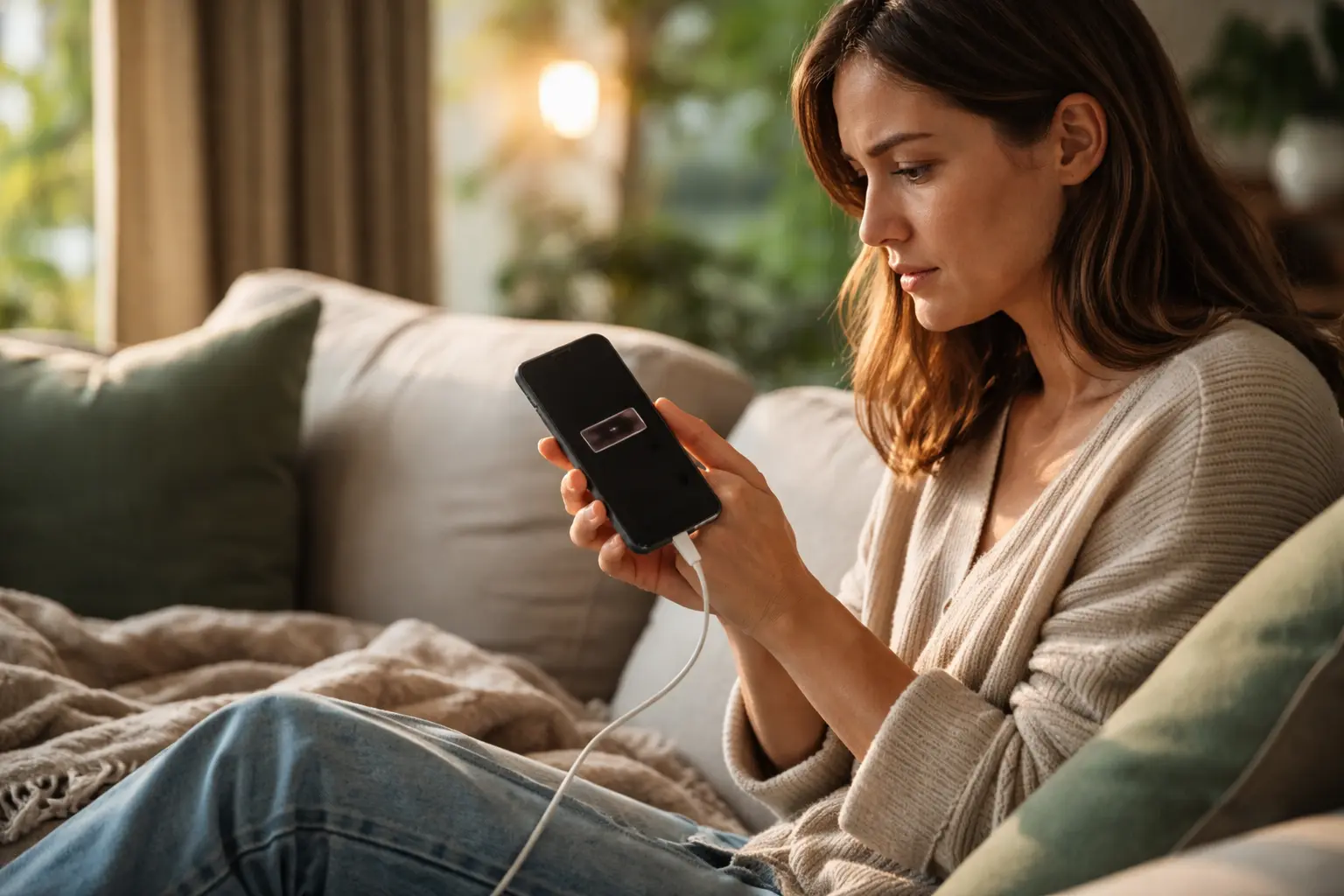
Your phone dies by 3pm even though you barely touched it, and you’re convinced those battery-draining apps are the culprit—but what if everything you think you know about extending smartphone battery life is actually making things worse?
Myth: Closing apps extends battery life
Picture this: you’re scrolling through your phone and notice five apps running in the background. Your instinct is to swipe them all away, convinced you’re saving precious battery percentage. But here’s what actually happens at the technical level. Modern smartphones, whether iOS or Android, use sophisticated memory management systems that automatically suspend apps when you’re not using them. When you manually close an app and then reopen it later, your device has to reload the entire application from storage into RAM, which requires more processing power than simply keeping it suspended. Think of it like closing a book and then having to reread the first chapter every time you want to continue—it takes more effort than just keeping your page marked. A young adult who closes apps obsessively throughout the day might actually be creating more battery drain than if they’d simply let the operating system handle it naturally. The real battery drain comes from apps actively running in the foreground or performing tasks like location tracking or data syncing, not from apps quietly sitting in memory.
Myth: Fast charging damages batteries
You’ve probably heard the warning: fast charging will destroy your battery and leave you with a dead phone by next year. This myth persists because older phones genuinely had issues with rapid charging, but smartphone battery technology has evolved dramatically. Modern lithium-ion batteries in flagship phones include sophisticated charging circuits that regulate incoming power in real time. When you plug into a fast charger, the phone doesn’t just blindly accept maximum power. Instead, it communicates with the charger, adjusting voltage and current to keep the battery at an optimal temperature and charge rate. Consider a real scenario: a young professional charges their phone at 30W for 30 minutes during their morning commute versus someone who trickle-charges overnight at 5W. The fast charger actually completes the charging cycle quicker, meaning the battery spends less total time in a charged state, which can actually extend its lifespan. Heat is the real enemy of battery longevity, and faster charging reduces heat exposure by shortening the charging window. Manufacturers like Apple and Samsung have invested billions in ensuring their fast-charging systems preserve battery health.
Maintain optimal battery health
Battery longevity isn’t about one magic trick but rather a combination of habits that work together. Temperature is your first concern: lithium-ion batteries degrade faster in heat, so leaving your phone in a hot car or direct sunlight accelerates capacity loss. A young adult who regularly uses their phone while it’s charging in a warm environment might notice degradation within 18 months, while someone who keeps their device cool could maintain 80% capacity after two years. Partial charging is surprisingly beneficial. Instead of draining your battery to 1% and then charging to 100%, keeping your phone between 20% and 80% reduces stress on the battery chemistry. This is why many phones now include an optimized charging feature that learns your charging patterns and slows charging after 80%. Battery-saving mode is another practical tool that limits background app refresh, reduces screen brightness, and throttles processing power. A student who enables this mode during study sessions might extend their phone’s daily runtime by 2-3 hours. The combination of avoiding extreme temperatures, practicing partial charging habits, and strategically using battery-saving mode creates a sustainable approach to battery health that compounds over months and years.
- Avoid extreme temperatures
- Partially charge your phone
- Enable battery-saving mode
🔬 Science-backed benefits in 2 minuteschoose where to begin:
Myth: Battery drain test diagnoses issues
Battery drain test apps promise to reveal hidden problems and identify which apps are secretly destroying your battery. These apps run intensive benchmarks that push your phone’s processor, GPU, and memory to maximum capacity, simulating stress that rarely occurs during normal daily use. The problem is that these tests create artificial scenarios that don’t reflect real-world behavior. A young adult running a battery drain test might see their phone get extremely hot and watch the battery percentage drop rapidly, leading them to believe their device is failing. In reality, they’ve just subjected their phone to conditions it would never encounter during texting, social media browsing, or video streaming. These tests can actually accelerate battery degradation by generating excessive heat and stress. Instead of relying on drain tests, the more reliable approach is monitoring power consumption through your phone’s built-in settings. Both iOS and Android provide detailed battery usage breakdowns showing exactly which apps consumed power over the last 24 hours. This real-world data is far more useful for identifying genuinely problematic apps than artificial stress tests.
Myth: Off-brand chargers harm batteries
The charger aisle at electronics stores is overwhelming: official chargers cost $40, but third-party options are $10. Many young adults assume the cheap option will fry their battery, but the reality is more nuanced. Off-brand chargers that meet safety certifications (look for USB-IF or similar standards) are generally safe and won’t damage your battery. The key difference lies in quality control and safety features. A certified third-party charger includes proper voltage regulation and overcurrent protection, preventing your battery from receiving unstable power. However, genuinely cheap, uncertified chargers lack these protections and can deliver inconsistent power that stresses battery chemistry. Imagine two scenarios: one person uses a certified Anker charger from a reputable brand, while another uses a counterfeit charger from an unknown marketplace seller. The first person’s battery will charge safely and reliably. The second person risks overcharging, which generates heat and degrades the battery faster. The practical recommendation is straightforward: use certified chargers from established brands, whether official or third-party. Reading reviews and checking for certification marks takes two minutes and protects your battery investment.
Myth: Turning off Wi-Fi and Bluetooth saves power
The conventional wisdom says to disable Wi-Fi and Bluetooth when you’re not actively using them. But modern smartphones are smarter than this advice suggests. When Wi-Fi is enabled but not connected, it doesn’t continuously search for networks or drain significant power. Similarly, Bluetooth in standby mode consumes minimal energy. The real battery drain comes from constantly toggling these connections on and off. Each time you disable Wi-Fi and then re-enable it later, your phone must scan for available networks, authenticate, and establish a connection, which requires more processing power than simply keeping the connection active. Consider a typical day for a young professional: they leave home with Wi-Fi enabled, arrive at the office where it connects automatically, then disable it for the commute, re-enable it at lunch, disable it again for meetings, and repeat this cycle throughout the day. Each toggle consumes power. Leaving Wi-Fi and Bluetooth enabled allows your phone to maintain stable connections with minimal power draw. The exception is airplane mode during flights or when you genuinely need to disconnect, but for everyday use, keeping these radios enabled actually conserves battery compared to the constant on-off cycling.
Smartphone battery myths debunked through science. Learn why closing apps backfires, how fast charging actually protects your battery, and which everyday habits genuinely extend battery life. Discover the real factors affecting smartphone longevity and optimize your device’s performance.
Does closing background apps save battery life?
No. Modern smartphones manage background apps efficiently. Closing and reopening apps actually requires more processing power than letting your device manage them automatically, potentially draining more battery.
Can fast charging damage smartphone batteries?
No. Modern fast charging includes built-in safety circuits that regulate power delivery. Fast charging can actually extend battery lifespan by reducing heat exposure and shortening the charging cycle.
Others also read:
Disclaimer: This article is for informational purposes only and is not a substitute for professional medical advice. Always consult a healthcare professional for personal guidance.
This article has been prepared and reviewed by the GlobalHealthBeacon editorial team and is based on current medical research and published scientific literature available in 2026. It provides structured, evidence-based information to support informed health decisions.
