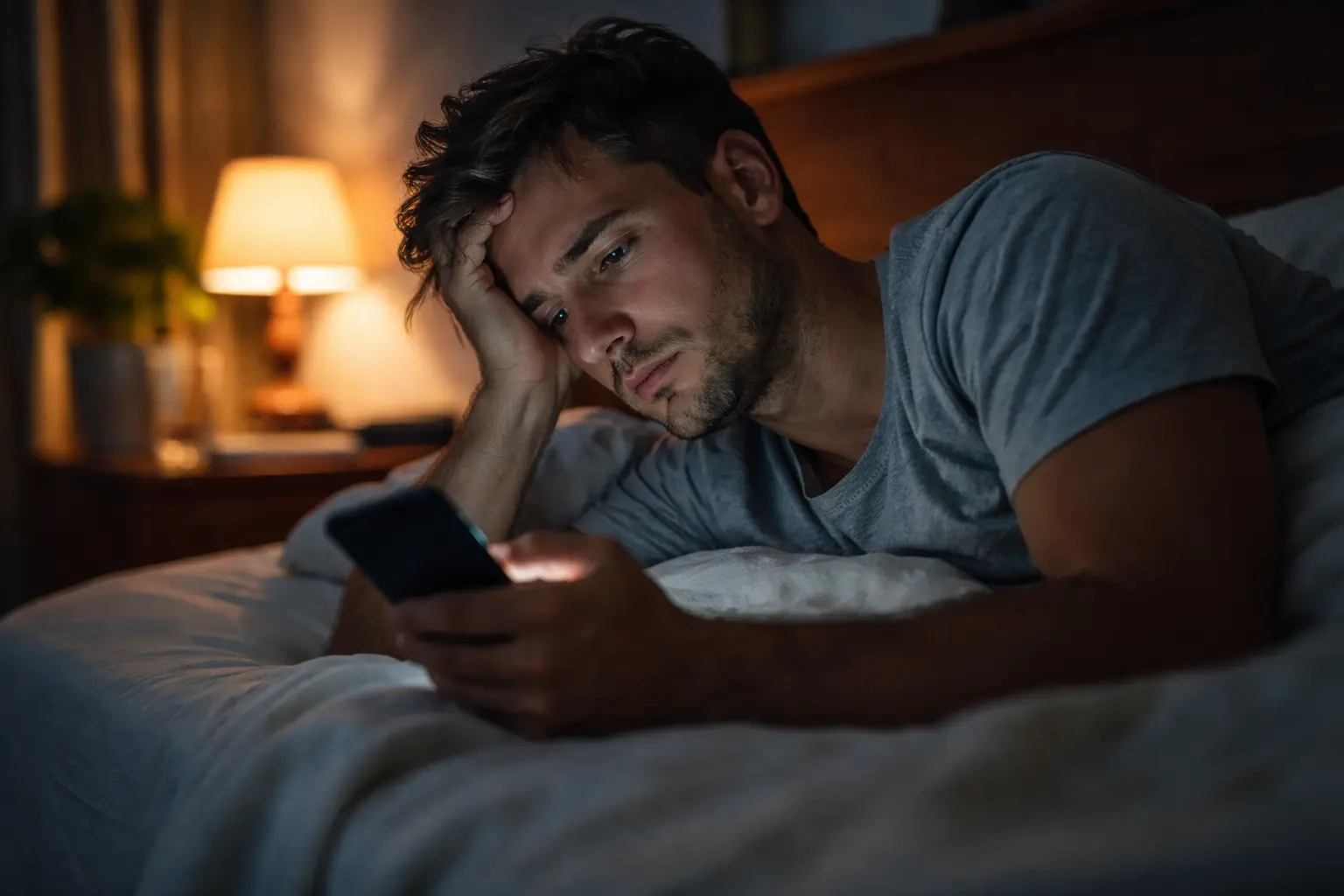
Your eyes feel tired, your neck aches, and you’re waking up at 3 a.m. staring at the ceiling after scrolling through your phone for hours – this is what the health implications of using screens look like for many seniors today.
Understanding the risks
The digital world has become impossible to avoid, but for seniors, constant screen exposure creates a unique set of challenges that younger people often don’t face. Your eyes have changed over the decades. The lens in your eye becomes less flexible, making it harder to focus on close objects like phones and tablets. When you spend hours looking at screens, your eyes work overtime trying to maintain focus, leading to that familiar burning sensation and blurred vision. Beyond your eyes, screens disrupt your sleep in ways that compound with age. The blue light from devices tricks your brain into thinking it’s still daytime, suppressing melatonin production just when your body needs it most. Add to this the sedentary nature of screen time, and you’re looking at reduced physical activity, weaker muscles, and increased risk of falls. Consider Margaret, a 68-year-old who started video calling her grandchildren daily. Within weeks, she noticed persistent headaches, difficulty sleeping, and stiffness in her shoulders from hunching over her tablet.
- Eye strain and discomfort
- Disrupted sleep and fatigue
- Increased sedentary behavior
Practical tips for seniors
Taking action doesn’t require giving up technology. The 20-20-20 rule is your first line of defense: every 20 minutes, pause and look at something 20 feet away for 20 seconds. This simple habit gives your eye muscles the break they desperately need. Adjust your screen brightness to match your surroundings, not the other way around. If your room is dim, your screen shouldn’t be glowing like a beacon. Increase font sizes on your devices so you’re not leaning closer to read. Position your screen at arm’s length and slightly below eye level to reduce neck strain. Set a device curfew at least one hour before bed, allowing your brain to wind down naturally. Take movement breaks every 30 minutes, even if it’s just standing and stretching. Some seniors find blue light glasses helpful, though evidence is mixed. The key is consistency. James, 72, implemented these changes and within two weeks reported better sleep and fewer headaches.
📘 Fix your day in under 2 minuteschoose where to begin:
Technology use comparison
Younger adults often use screens for work and leisure without thinking twice, but their eyes and sleep cycles are still adapting to constant digital exposure. Seniors, however, are playing catch-up. Your eyes have less tear production, making screen-induced dryness more pronounced. Your circadian rhythm is more sensitive to light disruption, so that evening screen time hits harder. Younger people might scroll for hours without noticing, while you feel fatigue after 30 minutes. This isn’t weakness, it’s biology. Understanding this difference helps you stop comparing yourself to your grandchildren and instead create a routine tailored to your needs. Research shows seniors who limit screen time to purposeful activities, like video calls with family or reading news, rather than endless scrolling, report better overall satisfaction and fewer health complaints. Your technology habits should serve you, not drain you.
Balancing screen time
Screens aren’t the enemy, but balance is essential. Use technology intentionally for connection, learning, and entertainment, then step away. Schedule screen-free time just as you would a doctor’s appointment. Walk outside for 20 minutes, work in a garden, call a friend on a regular phone, or read a physical book. These offline activities do more than fill time, they strengthen your muscles, boost your mood, and maintain your social connections in ways screens cannot. A practical approach: designate screen-free zones in your home, like the bedroom and dining table. Limit recreational screen time to specific windows, say 2 p.m. to 3 p.m. and 7 p.m. to 8 p.m., rather than scattered throughout the day. This prevents the creeping habit of checking your phone every few minutes. Many seniors find that replacing one hour of screen time with a hobby, walk, or social activity dramatically improves their sleep quality and energy levels. The goal isn’t perfection, it’s progress.
Seeking professional advice
If you’re experiencing persistent eye discomfort, blurred vision, headaches, or sleep problems that don’t improve after implementing these strategies, don’t wait. Schedule an appointment with an eye care professional or your primary care doctor. They can rule out underlying conditions like dry eye syndrome, presbyopia, or sleep disorders that might be exacerbated by screen use. An optometrist can recommend specialized glasses for screen work if needed. Your doctor can assess whether your sleep issues are related to screen exposure or other factors like sleep apnea. Be specific about your symptoms and when they occur. Mention how much time you spend on screens daily and what devices you use most. This information helps your healthcare provider give you personalized recommendations. Some seniors benefit from occupational therapy to adjust their workspace ergonomics. Others find that addressing underlying anxiety or depression, which can drive excessive screen use, is the real solution. Professional guidance ensures you’re not just treating symptoms but addressing root causes.
Screen use can pose risks for seniors, including eye strain, disrupted sleep, and sedentary behavior. Implementing practical tips like the 20-20-20 rule, comparing your technology habits to your actual needs rather than younger adults, finding balance between digital and offline activities, and seeking professional advice when needed are key strategies to manage these health implications effectively.
Can too much screen time affect my eyesight?
Yes, excessive screen time can contribute to eye strain and discomfort, especially for seniors who already experience age-related vision changes like reduced tear production and less flexible eye lenses. Implementing regular breaks using the 20-20-20 rule and adjusting screen brightness and font size can help alleviate these symptoms significantly.
How can I reduce the negative effects of screen use as a senior?
Seniors can mitigate the health implications of screen use by following practical tips like the 20-20-20 rule, positioning screens at arm’s length and below eye level, increasing font sizes, setting a device curfew before bed, taking movement breaks every 30 minutes, balancing screen time with offline activities, and seeking professional guidance from an eye care specialist if experiencing persistent symptoms.
Others also read:
Disclaimer: This article is for informational purposes only and is not a substitute for professional medical advice. Always consult a healthcare professional for personal guidance.
This guide has been prepared and reviewed by the GlobalHealthBeacon editorial team and reflects current medical research as of 2026. It provides structured, evidence-based information to support informed health decisions.
