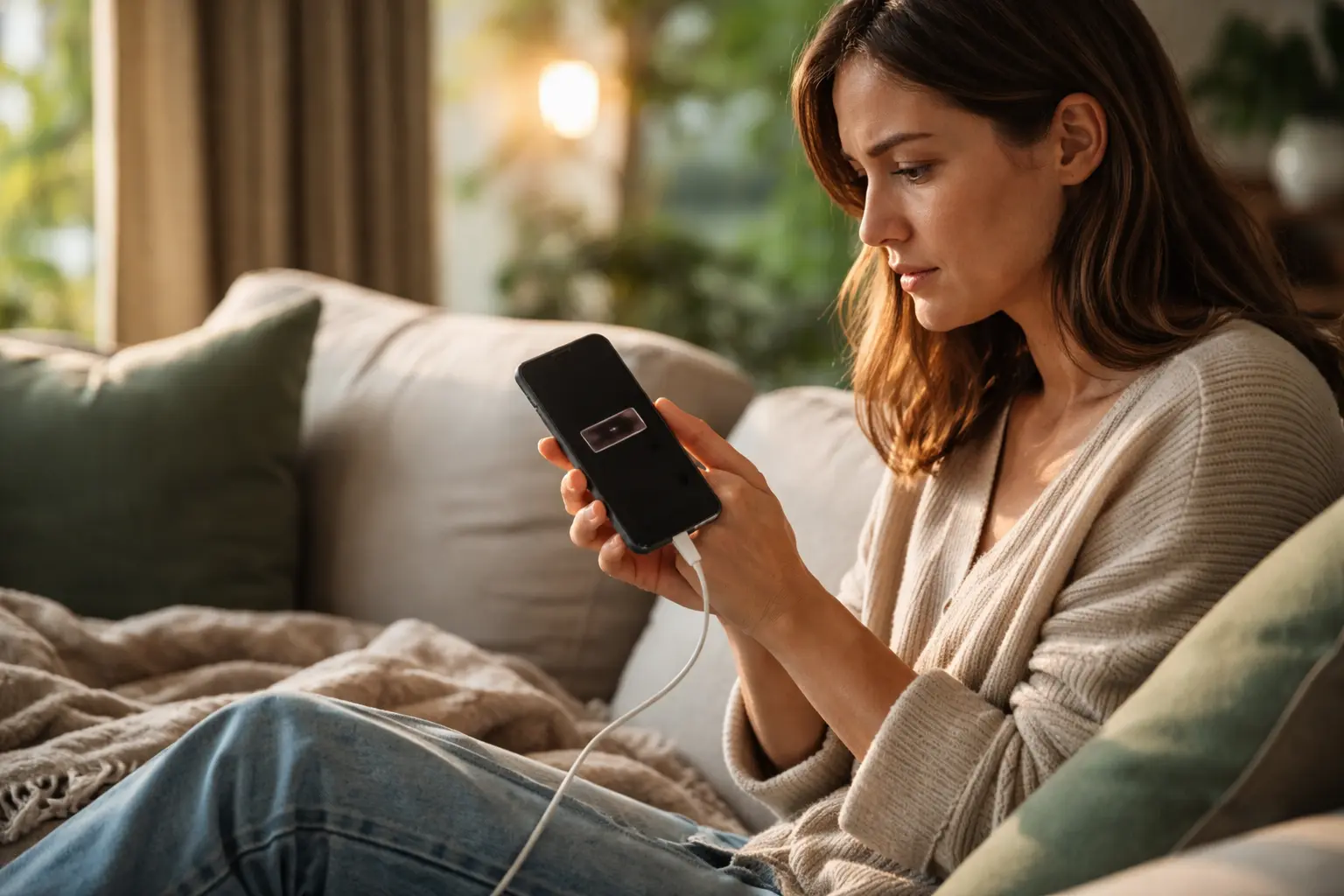
Your phone dies halfway through the day, leaving you stranded without a way to call for help or check important messages, and you’re tired of being tethered to a charger just to extend smartphone battery life through a simple afternoon.
Using power-saving mode to extend smartphone battery life
Power-saving mode is one of the most straightforward tools available on modern smartphones, and it works by intelligently reducing the demands your device places on its battery. When you activate this feature, your phone automatically adjusts screen brightness, slows down processor speed, and limits background activity. Imagine you’re heading out for a full day of errands and your battery sits at 40 percent. Instead of watching it drain to nothing by noon, power-saving mode can stretch that remaining charge to last until evening. The adjustment feels minimal to the user but significant to your battery. Many seniors find that turning on power-saving mode when battery drops below 30 percent becomes a simple habit that prevents the anxiety of being without their phone. Some devices offer multiple levels of power-saving, from moderate to extreme, giving you control over how much performance you’re willing to trade for longevity.
- Reduce screen brightness to save power
- Limit background app refresh to conserve energy
- Turn off unnecessary push notifications to extend battery life
Uninstalling unnecessary apps and updates
Every app running on your phone consumes battery, even when you’re not actively using it. Consider this scenario: you downloaded a weather app three years ago and haven’t opened it since, yet it still refreshes in the background multiple times daily, pulling power from your battery. By auditing your phone and removing apps you no longer use, you reclaim that wasted energy. Additionally, keeping your remaining apps updated is crucial because developers often release updates that improve efficiency and reduce power consumption. An outdated app may run poorly and drain battery faster than its updated version. Set aside time monthly to review your app list, delete what you don’t need, and check for pending updates. This simple maintenance task can add hours to your battery life. Many seniors report that after cleaning up unused apps, their phones feel faster and last noticeably longer throughout the day.
📘 Fix your day in under 2 minuteschoose where to begin:
Investing in a high-quality portable charger
A portable charger serves as insurance for your mobile independence. Picture yourself at a doctor’s appointment that runs longer than expected, or visiting grandchildren across town without knowing where the nearest outlet is. A quality portable charger in your bag means you’re never stranded. When selecting one, prioritize compact size so it fits easily in a purse or pocket, reliable brand reputation to ensure safety, and compatibility with your specific phone model. Modern portable chargers come in various capacities, measured in milliamp-hours (mAh). A 10,000 mAh charger typically provides one full recharge for most smartphones, while 20,000 mAh offers two or more. Fast-charging models can restore 50 percent battery in under 30 minutes, which is valuable when you’re pressed for time. Many seniors keep a portable charger in their car, at home, and in their everyday bag as backup power sources.
Exploring battery-saving apps and features
Beyond built-in power-saving modes, your phone offers additional battery management tools worth exploring. Many smartphones include a battery usage report that shows which apps consume the most power, helping you identify hidden battery drains. Some devices feature adaptive battery technology that learns your usage patterns and allocates power more efficiently to apps you use frequently. Third-party battery-saving apps can provide extra monitoring and optimization, though you should download only from reputable sources like official app stores. Read reviews carefully and check permissions before installing anything new. A practical approach is to start with your phone’s native battery management features first, then add third-party tools only if you feel you need additional control. Spend an afternoon exploring your phone’s settings menu to discover what battery optimization options already exist on your device.
Taking care of your battery for longevity
Your smartphone battery is a consumable item with a limited lifespan, but proper care extends its useful life significantly. Extreme temperatures damage battery chemistry, so avoid leaving your phone in hot cars or freezing environments for extended periods. Interestingly, letting your battery completely drain before recharging actually stresses it more than regular top-ups do. Modern phones use lithium-ion batteries that prefer staying between 20 and 80 percent charged. If possible, charge your phone overnight using a lower-wattage charger rather than a high-powered fast charger, which generates heat that degrades battery health over time. Remove your phone case occasionally to allow heat dissipation during charging. After two or three years, you may notice your battery doesn’t hold charge as long as it once did. This is normal aging, but following these practices slows the decline and keeps your phone functional longer.
Using power-saving mode, uninstalling unnecessary apps and updates, investing in a high-quality portable charger, exploring battery-saving apps and features, and taking care of your battery are key strategies to extend smartphone battery life naturally.
Is it safe to leave my phone charging overnight?
While leaving your phone plugged in overnight is generally safe for modern devices, it is advisable to unplug your phone once it reaches full charge to prevent overcharging. Over time, overcharging can degrade your battery’s performance.
Are battery-saving apps effective in extending battery life?
Battery-saving apps can be effective in optimizing power usage and extending battery life. However, it is essential to choose reputable apps and avoid those that may compromise your device’s security or performance.
Others also read:
Disclaimer: This article is for informational purposes only and is not a substitute for professional medical advice. Always consult a healthcare professional for personal guidance.
This guide has been prepared and reviewed by the GlobalHealthBeacon editorial team and reflects current medical research as of 2026. It provides structured, evidence-based information to support informed health decisions.
