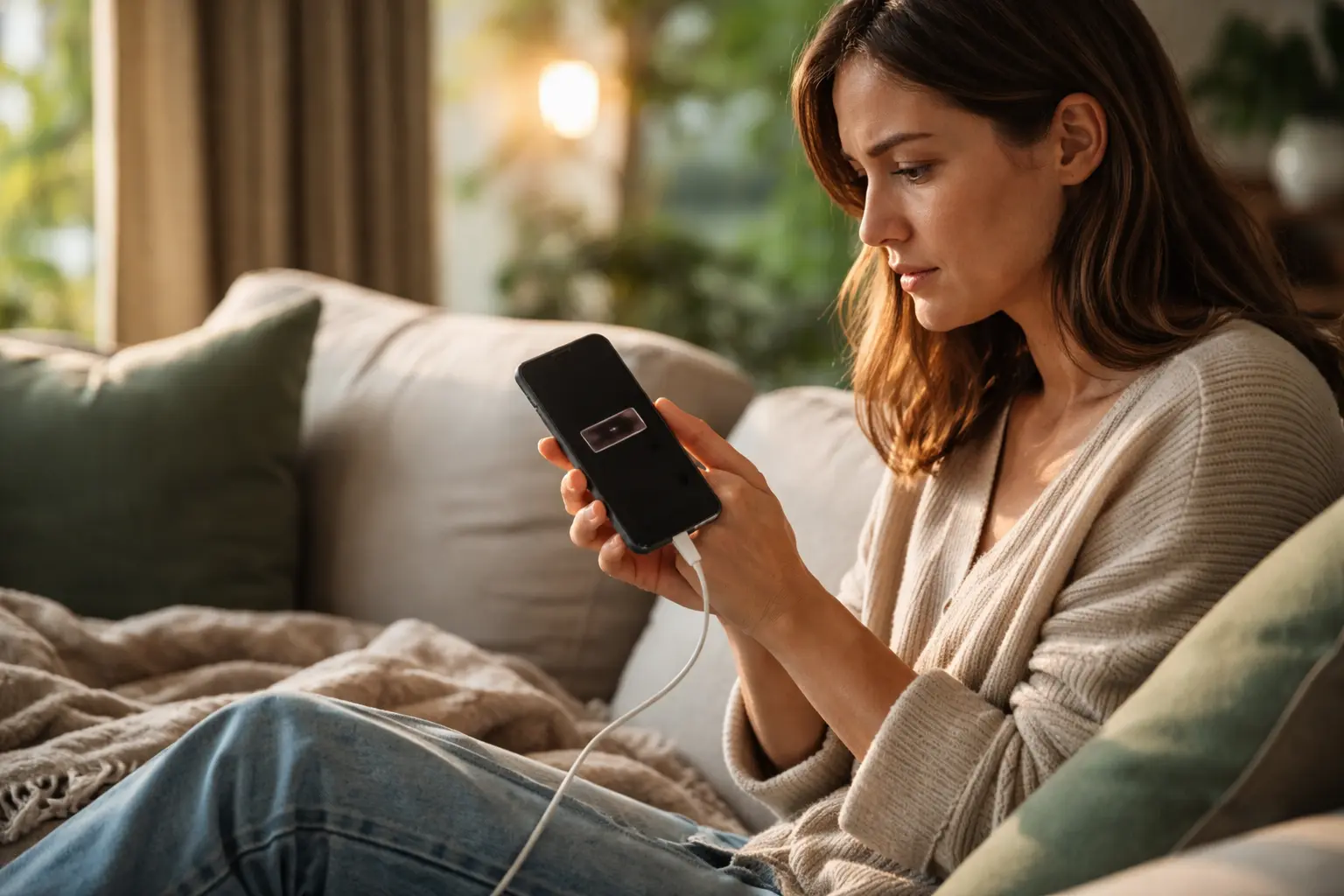
Your phone dies by afternoon, you’re tethered to chargers, and nobody seems to explain why – but here’s the truth: understanding what’s actually happening inside that battery is the key to finally extending smartphone battery life without constantly hunting for outlets.
The basics of battery chemistry
Inside your smartphone sits a lithium-ion battery, a marvel of modern chemistry that powers everything from your calls to your photos. Think of it like a tiny chemical factory with three main players: the positive electrode called the cathode, the negative electrode called the anode, and a liquid chemical messenger between them called the electrolyte. A thin separator keeps these two electrodes from touching, which would cause a dangerous short circuit. When you first got your phone, this battery could hold a full charge. Over time, tiny changes happen at the chemical level. The lithium ions that move back and forth start to get stuck, the electrodes develop microscopic damage, and the electrolyte gradually breaks down. This is why a two-year-old phone doesn’t hold charge like it did on day one. Understanding this chemistry isn’t just interesting – it explains why certain habits help and others hurt your battery’s long-term health.
Charging and discharging process
When you plug in your phone, something fascinating happens at the molecular level. Lithium ions start moving from the cathode through the electrolyte to the anode, storing energy like water filling a reservoir. This is charging. When you unplug and use your phone, the process reverses. Those lithium ions flow back from the anode to the cathode, and this movement of ions generates the electrical current that powers your screen, apps, and calls. It’s a continuous cycle, thousands of times over the life of your battery. Here’s where it gets important for you: every complete charge cycle, from zero to one hundred percent and back to zero, puts stress on this system. The ions have to travel the full distance, the electrodes expand and contract, and tiny cracks can form. This is why charging from twenty to eighty percent, rather than zero to one hundred, is gentler on the chemistry. You’re asking the ions to travel a shorter distance, putting less strain on the whole system. Think of it like taking the stairs one flight instead of climbing ten flights every single day.
Optimizing battery life
Protecting your battery starts with understanding its enemies. Heat is the number one culprit. When your phone gets hot, the chemical reactions inside speed up, which sounds good but actually damages the battery faster. Imagine leaving a battery in a hot car on a summer day – the heat accelerates the breakdown of the electrolyte and causes the electrodes to degrade more quickly. Cold is the opposite problem. In freezing temperatures, the ions move sluggishly, and the battery can’t deliver power efficiently. The sweet spot is room temperature, around sixty-five to seventy-five degrees Fahrenheit. Beyond temperature, your charging habits matter enormously. Instead of waiting until your phone dies and then charging it to one hundred percent, try keeping it between twenty and eighty percent most of the time. This simple shift can extend your battery’s lifespan by months or even years. On your screen, brightness drains battery quickly because the display is one of the most power-hungry components. Lowering brightness to a comfortable level and setting a shorter screen timeout, say two minutes instead of five, means your battery works less hard throughout the day. These aren’t sacrifices – they’re smart adjustments that add up to real longevity.
- Avoid extreme temperatures and keep your phone in moderate conditions
- Practice partial charging between twenty and eighty percent capacity
- Reduce screen brightness and set shorter screen timeout periods
🔬 Science-backed benefits in 2 minuteschoose where to begin:
Battery health indicators
Your smartphone actually keeps track of its own battery’s condition. On iPhones, you can find battery health in Settings under Battery, where it shows you a percentage that tells you how much capacity your battery retains compared to when it was new. On Android phones, the information is sometimes hidden deeper in developer settings or available through third-party apps. This number matters because it tells a story. A new phone shows one hundred percent. After a year of normal use, you might see ninety-five percent. After two years, eighty-five percent is typical. When it drops below eighty percent, you might start noticing your phone doesn’t last as long on a single charge. The battery health percentage is based on charge cycles – essentially how many times you’ve charged and discharged the battery. Your phone counts these cycles automatically. Understanding this helps you know when a battery replacement makes sense. If your phone is three years old and the battery health is at seventy percent, replacing the battery might give you another year or two of good performance, often at a fraction of the cost of a new phone.
Common battery myths debunked
You’ve probably heard that you should completely drain your battery before charging it. This myth comes from old nickel-cadmium batteries from decades ago, which actually did need full discharge cycles. Modern lithium-ion batteries are completely different. Fully draining your battery regularly is actually one of the worst things you can do. When you let your phone die completely, you’re pushing the lithium ions to their limits, and this stress damages the battery’s chemistry. The opposite myth says you should never let your battery drop below fifty percent. While keeping it in the middle range is ideal, occasionally letting it drop to twenty or thirty percent won’t hurt. The real enemy is the extremes – zero percent and one hundred percent. Keeping your battery constantly at one hundred percent, like leaving it plugged in overnight every night, also reduces lifespan because the ions are under constant stress at full capacity. The best approach is boring but effective: charge your phone when it gets to around twenty percent, unplug it when it reaches eighty percent, and don’t overthink it. Your battery will thank you with years of reliable service.
The future of smartphone batteries
Battery technology is evolving rapidly, and what’s coming next could change how we think about phone power. Researchers worldwide are developing solid-state batteries, which replace the liquid electrolyte with a solid material. This is significant because it could eliminate many of the chemical degradation problems that plague current batteries. Solid-state batteries promise higher energy density, meaning more power in a smaller package, plus they’re potentially safer because there’s no flammable liquid inside. Some companies are targeting commercial release within the next few years. Beyond that, scientists are exploring lithium-metal batteries and even completely new chemistries using sodium or other elements. These aren’t science fiction – prototypes exist and show real promise. The goal is threefold: make batteries last longer between charges, make them last longer overall before needing replacement, and make them safer and more environmentally friendly to produce and dispose of. For you as a senior using smartphones today, understanding current battery chemistry helps you maximize what you have. But knowing that better technology is coming means you can feel confident that future phones will solve many of the battery frustrations you experience now.
Your smartphone’s battery is a sophisticated chemical system that deserves respect and understanding. By learning how lithium-ion chemistry actually works, you can make informed choices about charging, temperature, and usage that genuinely extend your battery’s lifespan. The myths are widespread, but the science is clear: moderate charging between twenty and eighty percent, avoiding extreme temperatures, and managing your screen settings are the real keys to battery longevity. Monitor your battery health through your phone’s settings to know when replacement becomes worthwhile. The future holds even better battery technology, but today’s knowledge gives you the power to get the most from your current device.
Does fast charging affect my battery life?
Fast charging does generate additional heat, which can impact long-term battery health when used constantly. The higher voltage and current stress the chemical system inside the battery. Balancing fast charging for convenience with regular slower charging methods helps maintain battery longevity. Occasional fast charging won’t destroy your battery, but making it your daily habit will reduce its lifespan compared to standard charging.
How can I store my smartphone to preserve battery life?
For prolonged storage, maintain the battery at around fifty percent capacity in a cool, dry place away from direct sunlight. This middle-ground charge state minimizes stress on the chemical system. Avoid storing it fully charged or completely depleted, as both extremes cause capacity loss over time. Check on it monthly and top up the charge if needed to keep it near fifty percent.
Others also read:
Disclaimer: This article is for informational purposes only and is not a substitute for professional medical advice. Always consult a healthcare professional for personal guidance.
This article has been prepared and reviewed by the GlobalHealthBeacon editorial team and is based on current medical research and published scientific literature available in 2026. It provides structured, evidence-based information to support informed health decisions.
