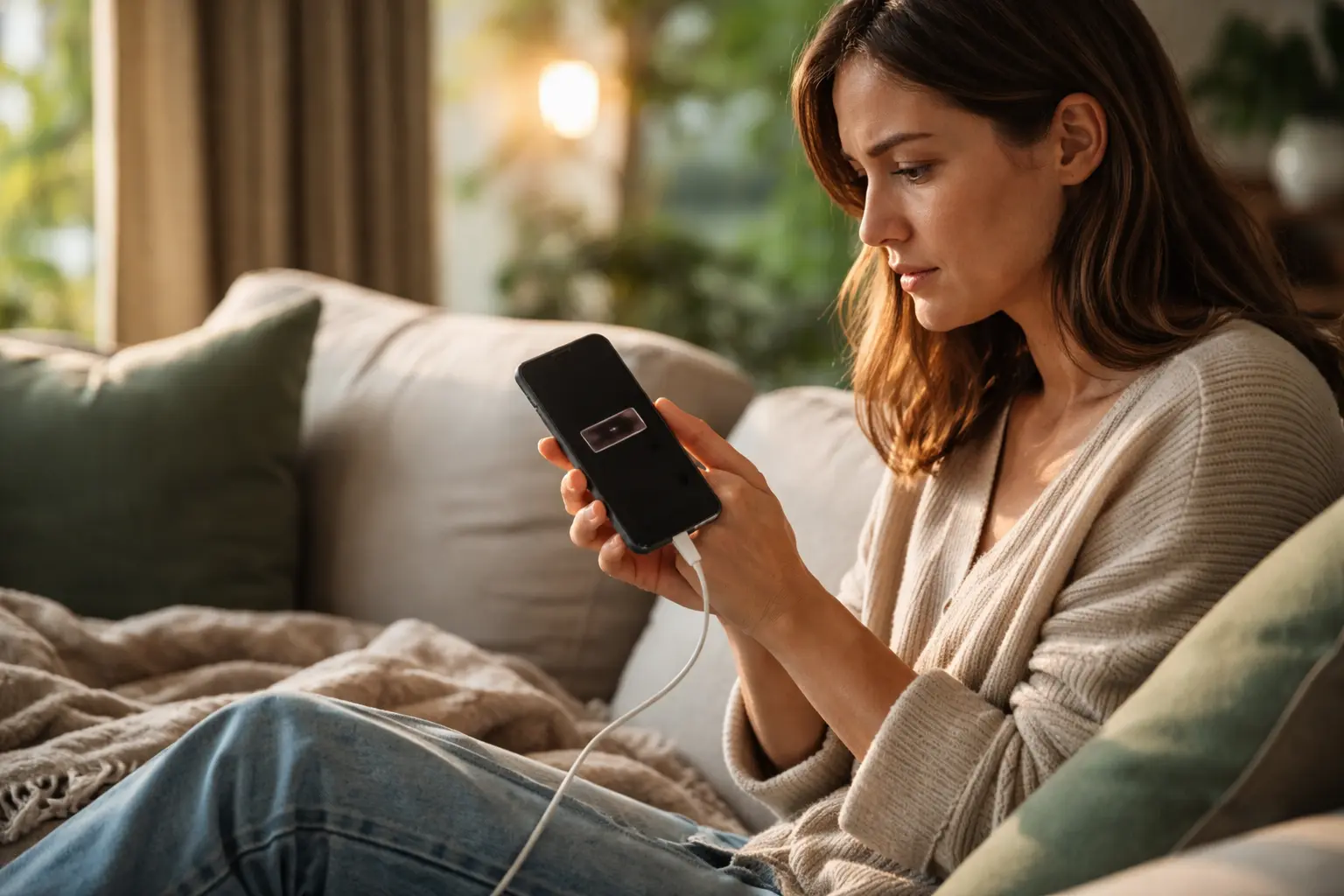
Your phone dies by afternoon even though you barely used it, and you’re stuck hunting for a charger like it’s a survival necessity – but what if you actually understood why this happens and could fix it?
Battery drain culprits
Your smartphone’s battery is like a bank account that gets depleted by countless small withdrawals throughout the day. Background apps running silently are major culprits – think of them as invisible money drains that continue even when you are not actively using them. Screen brightness is another significant factor; keeping your display at maximum brightness is like leaving all the lights on in your house. Network connectivity, whether WiFi or cellular, constantly searches for signals and updates. Location services track your position continuously, consuming power even when you are not navigating. Push notifications trigger your phone to wake up repeatedly, each time using energy. Email syncing, social media refreshes, and weather updates all contribute to the overall drain. Many seniors do not realize that older apps designed for previous phone models often run inefficiently on newer devices, wasting battery in the process. Understanding these culprits helps you identify which behaviors and features are truly necessary versus which are simply convenient habits.
Optimizing settings
Customizing your phone’s settings is like tuning an engine for better fuel efficiency. Screen timeout, which determines how long your display stays on after inactivity, is one of the most impactful adjustments you can make. Setting this to 30 seconds instead of 2 minutes can dramatically extend your battery life throughout the day. Location services offer granular control – you can disable GPS for apps that do not truly need it, such as social media or news applications, while keeping it active for maps or emergency services. Push notifications can be selectively disabled; do you really need instant alerts from every app, or could you check some manually once daily? Email sync frequency is another hidden battery drain – changing from push notifications to manual refresh or hourly checks saves considerable power. Bluetooth and WiFi, when not in use, should be turned off rather than left searching for connections. Reducing animation effects and visual transitions may seem cosmetic, but these consume processing power. Many seniors find that simply adjusting these settings to match their actual usage patterns, rather than default factory settings, extends battery life by 20 to 30 percent without sacrificing functionality.
Battery saving techniques
Power-saving mode is your first line of defense when battery drops below 20 percent. This feature intelligently limits background processes, reduces processor speed, and dims the display slightly while maintaining usability. Lowering screen brightness is perhaps the single most effective technique – your display consumes 30 to 40 percent of total battery power. Many seniors find that setting brightness to 40 to 50 percent indoors and using auto-brightness for outdoor use provides a good balance. Disabling vibrations might seem minor, but each vibration requires the phone’s motor to work, consuming more power than a simple sound notification. Turning off features you do not use regularly, such as Bluetooth when you are not using wireless headphones or watches, prevents constant background searching. Closing unused apps running in the background is essential – some apps continue consuming power even when minimized. Consider using grayscale mode occasionally, as colored displays require more energy than black and white. Airplane mode, when you know you will not need connectivity for a period, completely stops all wireless radios. One senior we know extended her battery from lasting until 3 PM to lasting until 7 PM simply by combining these techniques without feeling restricted in her daily phone use.
- Activate power-saving mode when battery reaches 20 percent
- Reduce screen brightness to 40 to 50 percent or enable auto-brightness
- Turn off vibrations and disable unnecessary features like Bluetooth when not in use
🔬 Science-backed benefits in 2 minuteschoose where to begin:
Battery health maintenance
Your phone’s battery is a consumable component that degrades over time, similar to how a car battery loses capacity with age and use. Battery calibration, the process of fully charging and then fully discharging your device, helps the phone accurately report remaining battery percentage and can improve overall performance. This should be done monthly rather than weekly, as excessive full discharge cycles can actually accelerate degradation. Temperature is critical – lithium batteries, which power modern smartphones, perform poorly in cold environments and degrade faster in heat. Keeping your phone between 50 and 95 degrees Fahrenheit is ideal; leaving it in a hot car or near a heater accelerates chemical breakdown inside the battery. Charging habits matter significantly; keeping your phone plugged in overnight at 100 percent for extended periods causes stress on the battery. Many newer phones have smart charging that stops at 80 percent during overnight charging, but older models do not. Avoiding complete discharge cycles, where the battery drops to zero percent, extends overall lifespan. One study found that seniors who kept their phones between 20 and 80 percent charge experienced batteries that retained 90 percent capacity after two years, compared to 70 percent for those who regularly fully charged and discharged.
Battery replacement considerations
After two to three years of regular use, most smartphone batteries naturally lose capacity and no longer hold a full charge. You might notice your phone shuts down at 15 percent battery, or it drains noticeably faster than when new. Before replacing the battery, verify this is actually a battery issue and not a software problem by checking battery health in your phone’s settings – most modern phones display this information. Original manufacturer batteries are preferable because they are engineered specifically for your device and include proper safety certifications. Third-party batteries are cheaper but vary widely in quality and may not perform as reliably. Certified refurbished batteries from reputable retailers offer a middle ground between cost and quality. The replacement process varies by phone model; some phones allow user replacement with a simple tool, while others require professional service. Many carriers and manufacturers offer battery replacement services, sometimes at reduced cost for older devices. A senior who replaced their three-year-old battery reported their phone went from lasting 4 hours to lasting a full day with normal use, making the investment worthwhile. Costs typically range from 50 to 150 dollars depending on your phone model and where you have the work done.
Monitoring usage patterns
Your phone tracks detailed information about which apps consume the most power, and reviewing this data reveals surprising patterns. Most phones display battery usage by app in settings, showing percentages for each application. You might discover that an app you use occasionally consumes more power than you expected, or that a background app is draining battery without your knowledge. Some seniors find that social media apps, streaming services, and location-based apps are the biggest consumers. Tracking your usage for a week helps identify which activities drain battery fastest – perhaps video calls use significantly more power than text messaging, or gaming depletes battery in minutes. Weather apps that update frequently, news apps with constant refreshes, and fitness apps using GPS continuously are common culprits. Once you identify these patterns, you can adjust habits accordingly; perhaps you use video calls only when plugged in, or limit gaming to times when your phone is charging. Some people find that checking email manually three times daily instead of receiving constant push notifications saves hours of battery life. One 68-year-old woman discovered that her weather app was updating every 15 minutes even though she only checked it once daily, and disabling this one setting extended her battery by 3 hours. Reviewing these patterns monthly helps you stay aware of how your usage habits affect battery life.
Extending smartphone battery life involves understanding what drains power, customizing settings to match your actual needs, implementing practical battery-saving techniques, maintaining battery health through proper charging and temperature management, knowing when replacement is necessary, and monitoring which apps and activities consume the most energy. By combining these scientific approaches, seniors can significantly extend their phone’s battery life and reduce daily charging frustrations.
How can I reduce battery drain on my smartphone?
Reduce battery drain by adjusting screen timeout and brightness, disabling unnecessary location services and push notifications, turning off Bluetooth and WiFi when not needed, closing background apps, enabling power-saving mode when battery is low, and disabling vibrations. These changes combined typically extend battery life by 20 to 40 percent.
When should I consider replacing my smartphone battery?
Consider battery replacement when your phone no longer holds a charge effectively after two to three years of use, shuts down prematurely at 15 to 20 percent battery, or drains noticeably faster despite optimizing settings. Check your phone’s battery health status first to confirm the battery is the issue rather than a software problem.
Others also read:
Disclaimer: This article is for informational purposes only and is not a substitute for professional medical advice. Always consult a healthcare professional for personal guidance.
This article has been prepared and reviewed by the GlobalHealthBeacon editorial team and is based on current medical research and published scientific literature available in 2026. It provides structured, evidence-based information to support informed health decisions.
