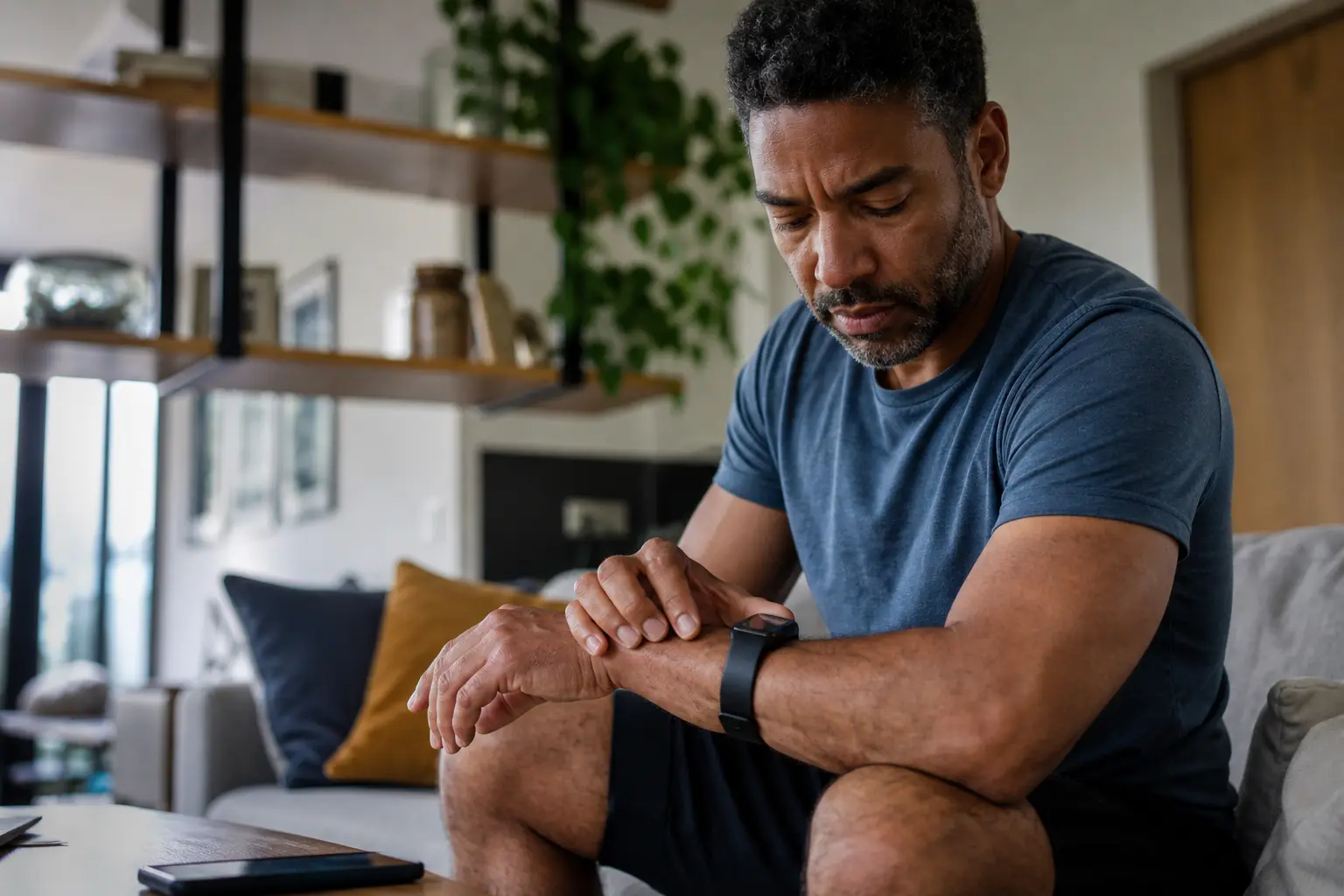
You’re staring at your wearable’s step count wondering if it’s actually right, scrolling through conflicting health data, and feeling like you’re wasting money on a device you don’t fully understand, but the truth is wearables preventive health accuracy depends entirely on how you set them up and use them.
Choosing the right wearable device
Selecting a wearable isn’t just about grabbing the most popular option. Start by identifying what matters most to your health goals. Are you focused on cardiovascular fitness, sleep quality, stress management, or general activity levels? A runner might prioritize GPS accuracy and pace tracking, while someone managing anxiety might value heart rate variability and breathing reminders. Budget plays a real role too. Entry-level trackers like basic fitness bands cost $50-100 and handle step counting and heart rate well. Mid-range smartwatches ($150-300) add features like ECG monitoring and detailed workout modes. Premium options ($300+) include advanced health sensors and cellular connectivity. Check battery life carefully. A device that needs charging every two days becomes a burden, not a habit. Water resistance matters if you swim or shower with it on. Most importantly, ensure the companion app integrates with your phone ecosystem smoothly. A device that constantly loses connection defeats its purpose. Read recent user reviews specifically about setup ease and long-term reliability, not just marketing claims.
- Research different brands and models to find the best fit for your needs.
- Check for battery life and water resistance if these are important to you.
- Make sure the device syncs seamlessly with your smartphone for easy data access.
Setting up your wearable
Setup determines whether your device becomes a reliable health companion or a drawer ornament. Start by fully charging your wearable before first use, even if it arrives partially charged. Download the official companion app from your phone’s app store before unboxing the device. This prevents frustration if the pairing process has specific requirements. Follow the manufacturer’s instructions precisely. The pairing process typically involves opening the app, selecting ‘Add Device,’ and allowing Bluetooth permissions. This step is non-negotiable. Once paired, customize your profile with accurate height, weight, age, and gender because these details directly affect calorie and activity calculations. Set realistic step goals. Most health experts recommend 10,000 steps daily, but if you’re sedentary, starting at 5,000 steps and increasing weekly is smarter. Configure notifications so you don’t get overwhelmed with alerts. Disable ones you don’t need. Enable location services if you want GPS tracking for runs or walks. Sync your device to health platforms like Apple Health or Google Fit so your data flows across apps. Test the device for a full day to ensure it’s comfortable and the band fits properly before relying on it.
📘 Fix your day in under 2 minuteschoose where to begin:
Understanding data accuracy
This is where many young adults get frustrated. Your wearable doesn’t measure your heart rate like a medical monitor does. It estimates it using light-based sensors that read blood flow through your wrist. On a perfect day with good contact and stable positioning, accuracy is decent. But if you’re moving, the band is loose, or you have darker skin tones, readings can drift significantly. Step counting has similar limitations. Wearables sometimes count arm movements as steps if you’re pushing a shopping cart or typing. Calorie burn estimates are notoriously inaccurate because they rely on algorithms that don’t know your metabolism, fitness level, or genetics. Think of your wearable data as a trend tracker, not a truth meter. If your device says you burned 500 calories today and 520 tomorrow, that 20-calorie difference is meaningless noise. But if it shows 500 calories daily for a week and then 600 the next week, that trend tells you something real about your activity level shift. Cross-reference important readings occasionally. Check your resting heart rate manually by counting your pulse for 60 seconds. Compare step counts with manual observation. Use the data to identify patterns in your sleep, stress, or activity, not to obsess over exact numbers.
Establishing a routine
A wearable only works if you actually wear it. Treat it like a watch you never remove. Wear it during sleep to capture sleep data, during workouts for accurate activity tracking, and during rest days to understand your baseline. The real power emerges after two to three weeks when patterns become visible. You might notice you sleep worse after caffeine after 2 PM, or your stress levels spike on Tuesdays. These insights only appear with consistent data. Set weekly check-in moments, maybe Sunday evening, to review your data. Look at your weekly step average, sleep quality trends, and stress patterns. Use this information to adjust your habits. If sleep is poor, try going to bed 30 minutes earlier. If steps are low, add a 15-minute walk after lunch. Make small, specific changes based on actual data, not guesses. Connect your wearable to a fitness app or health app where you can log workouts manually. This gives your device context. If you run for 30 minutes but the device only counts 4,000 steps because you were on a treadmill, logging the workout manually ensures your data reflects reality. Share your data with a friend or family member for accountability. Knowing someone else sees your progress makes consistency easier.
Maintenance and troubleshooting
Your wearable is a small computer that sits on your skin all day. It accumulates sweat, dead skin cells, dirt, and bacteria. Clean it weekly with a soft, slightly damp cloth. For the band, use mild soap and water if it’s silicone or fabric, then dry thoroughly. Never submerge the main device unless it’s rated for it. Check the charging contacts monthly for corrosion or debris. A dry cotton swab works well for gentle cleaning. Software updates matter. Check your companion app monthly for device firmware updates. These often improve accuracy and fix bugs. If your device stops syncing, restart both the wearable and your phone. Ensure Bluetooth is enabled and you’re within 30 feet of each other. If that fails, unpair the device from your phone’s Bluetooth settings and re-pair it through the app. Persistent connectivity issues might indicate a software bug. Check the manufacturer’s support website or community forums to see if others report the same problem. If your device shows wildly inaccurate data suddenly, it might need a factory reset. This erases all data on the device but often fixes glitchy behavior. Contact customer support for guidance on your specific model. Most manufacturers offer one to two years of warranty coverage.
Choosing the right wearable device, setting it up correctly, understanding data accuracy, establishing a routine, and maintaining the device are key steps for young adults to leverage wearables effectively for preventive health.
How do I know if my wearable device is accurately tracking my health data?
While wearables provide estimates based on algorithms, you can cross-reference their readings with manual measurements for greater accuracy. Remember to use the data as a reference point rather than absolute values.
What should I do if my wearable device stops syncing with my smartphone?
Try restarting both the wearable and smartphone, ensuring they are within close proximity. If the issue persists, check for software updates and consult the manufacturer’s website or customer support for further assistance.
Others also read:
Disclaimer: This article is for informational purposes only and is not a substitute for professional medical advice. Always consult a healthcare professional for personal guidance.
This guide has been prepared and reviewed by the GlobalHealthBeacon editorial team and reflects current medical research as of 2026. It provides structured, evidence-based information to support informed health decisions.
