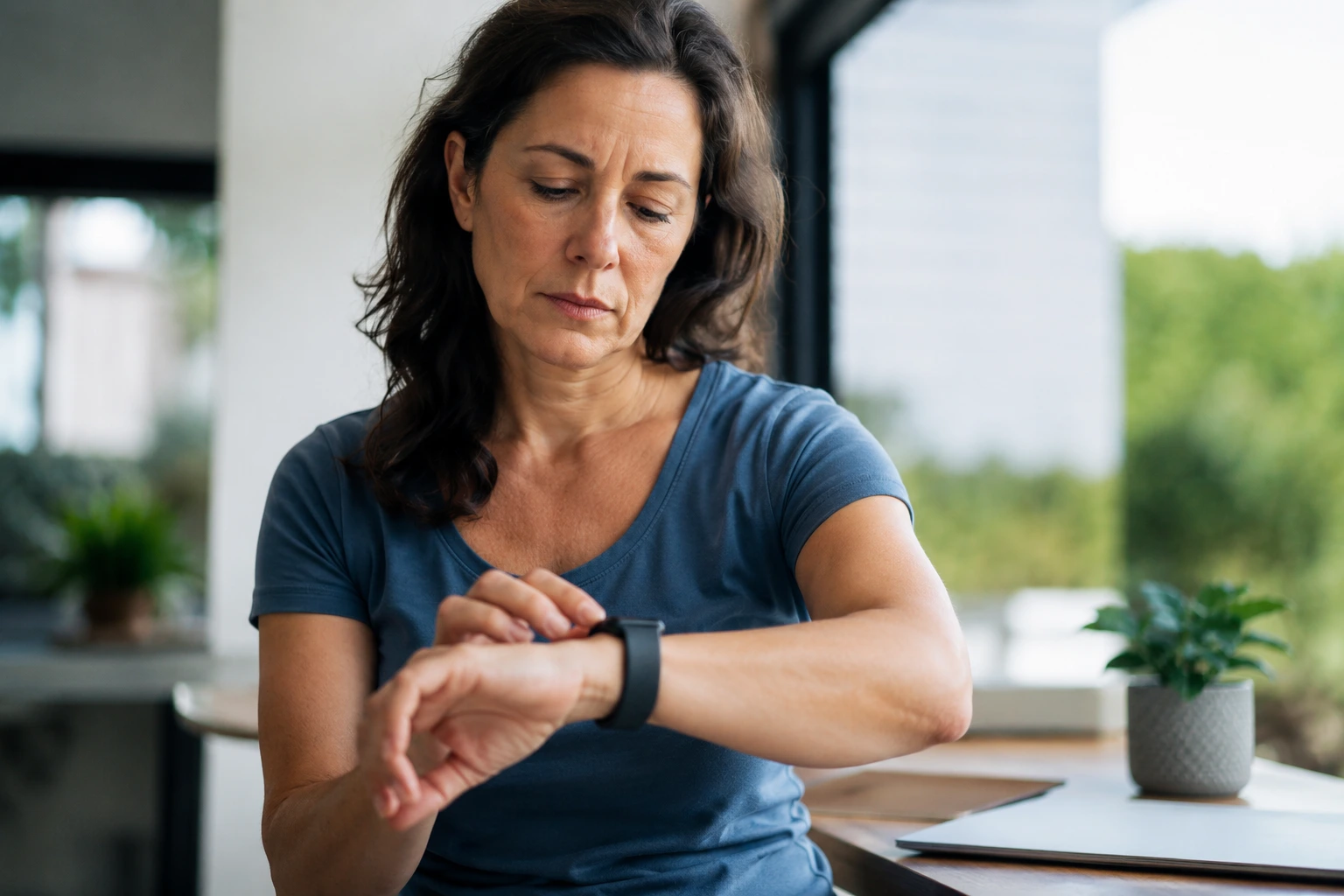
Your smartwatch just buzzed with another heart rate alert while you’re sitting at your desk, and you have no idea if you should panic or ignore it, leaving you stuck between trusting the device and doubting whether smartwatch health alerts actually mean anything at all.
Understanding smartwatch health alerts
Smartwatch health alerts work by continuously scanning your vital signs and comparing them against baseline patterns your device learns over time. Think of it like having a personal health assistant on your wrist. Your watch monitors heart rate, blood oxygen levels, sleep quality, and activity intensity, then flags deviations that fall outside your normal range. For example, if your resting heart rate typically sits around 60 beats per minute but suddenly spikes to 100 while you’re relaxing, your watch sends an alert. Different brands handle this differently. Apple Watches focus on irregular rhythm detection and fall alerts, while Fitbit emphasizes sleep apnea screening and stress management. Samsung Galaxy Watches offer blood pressure and ECG monitoring. The key is understanding that these alerts are pattern-based notifications, not medical diagnoses. They work best when you’ve worn your device consistently for at least two weeks, allowing it to establish your personal baseline.
- Smartwatch alerts can provide early warnings for potential health issues.
- They offer convenience by continuously monitoring your health status.
- Some smartwatches can track your physical activity and sleep patterns, contributing to overall wellness.
How to interpret smartwatch alerts
Receiving a health alert can trigger instant anxiety, but your first move should be to pause and assess the context. Ask yourself what you were doing when the alert fired. Were you stressed about a work deadline, had too much caffeine, or just finished a sprint workout? These factors directly impact your vitals and often explain alert triggers. Next, check how you actually feel physically. If your watch says your heart rate is elevated but you feel completely normal and calm, the alert might be a false positive caused by loose device contact or movement interference. Keep a simple log for a week: note the time of alerts, what you were doing, and how you felt. This personal data becomes invaluable when discussing results with your doctor. If alerts persist without obvious triggers, or if you experience actual symptoms like chest pain, shortness of breath, or dizziness alongside alerts, contact a healthcare provider immediately. The goal is using alerts as a conversation starter with your doctor, not as standalone medical guidance.
📘 Fix your day in under 2 minuteschoose where to begin:
Smartwatch health alerts for active lifestyles
Young adults who run, cycle, play sports, or hit the gym regularly benefit enormously from smartwatch alerts because they provide real-time feedback during physical exertion. Imagine you’re on a 10-kilometer run and your watch alerts you that your heart rate has climbed to 185 beats per minute. This immediate feedback helps you decide whether to ease off the pace or push harder depending on your training goals. During high-intensity interval training, alerts help you stay within target heart rate zones, maximizing calorie burn and cardiovascular gains without overtraining. Recovery is equally important. Your watch can alert you when your resting heart rate remains elevated the day after a tough workout, signaling that your body needs more rest before the next intense session. This prevents burnout and injury. Many young athletes use these alerts to optimize their training schedule. For example, if your heart rate variability drops significantly, it indicates your nervous system is stressed and you should prioritize sleep and light activity. The watch essentially becomes your training coach, helping you balance intensity with recovery.
The limitations of smartwatch health alerts
Here’s the honest truth: smartwatch health alerts aren’t perfect, and understanding their limitations protects you from making poor health decisions based on faulty data. False positives happen frequently. A loose band, sweating during workouts, or even cold hands can trigger inaccurate readings. Some users report their watches alerting them to irregular heartbeats that never appear on actual ECGs performed by cardiologists. Smartwatches also struggle with certain populations. If you have darker skin tones, some optical sensors perform less accurately. Tattoos can interfere with readings. Certain medications affect heart rate patterns in ways the algorithm doesn’t recognize. Additionally, these devices measure correlation, not causation. Your watch might flag that you always feel anxious on Tuesdays, but it can’t tell you why. The biggest limitation is that smartwatches lack clinical context. They don’t know your family history, current medications, or existing health conditions. A heart rate of 110 might be normal for someone with anxiety but concerning for someone with a heart condition. Never use smartwatch alerts as a substitute for professional medical evaluation. Instead, view them as supplementary data points that support conversations with your doctor.
Personalizing your smartwatch alerts
Customization transforms your smartwatch from a generic alert machine into a personalized health tool that actually serves your life. Start by accessing your device settings and adjusting alert thresholds based on your age, fitness level, and health goals. A 22-year-old athlete might set a resting heart rate alert at 50 beats per minute, while someone managing hypertension might set it at 70. Review your device’s documentation to understand what each alert means before enabling it. Some young adults enable every possible alert and get overwhelmed by constant notifications. Others disable alerts entirely and miss important signals. The sweet spot is enabling only alerts relevant to your situation. If you’re tracking weight loss, focus on activity and calorie alerts. If you’re managing stress, prioritize sleep and stress level notifications. Consider your lifestyle too. Night shift workers need different alert settings than day workers because their baseline vitals operate on a different schedule. Spend time in your app exploring historical data. Most smartwatch apps show weekly and monthly trends that reveal patterns individual alerts might miss. Finally, share your smartwatch data with your doctor during checkups. Many healthcare providers now accept exported health data and can provide guidance on which alerts matter most for your specific health profile.
Smartwatch health alerts offer a proactive way to monitor your health in real-time, providing a sense of security and convenience. Understanding the nuances of these alerts and using them as a supportive tool alongside professional medical advice can enhance your overall well-being.
Can smartwatch health alerts replace regular medical check-ups?
Smartwatch health alerts are complementary tools but cannot replace comprehensive medical evaluations by healthcare professionals. It’s important to use smartwatch alerts as part of your ongoing health monitoring regimen.
Do all smartwatches have health alert features?
Not all smartwatches are equipped with advanced health alert capabilities. It’s advisable to research different models and choose one that aligns with your specific health and lifestyle needs.
Others also read:
Disclaimer: This article is for informational purposes only and is not a substitute for professional medical advice. Always consult a healthcare professional for personal guidance.
This guide has been prepared and reviewed by the GlobalHealthBeacon editorial team and reflects current medical research as of 2026. It provides structured, evidence-based information to support informed health decisions.
