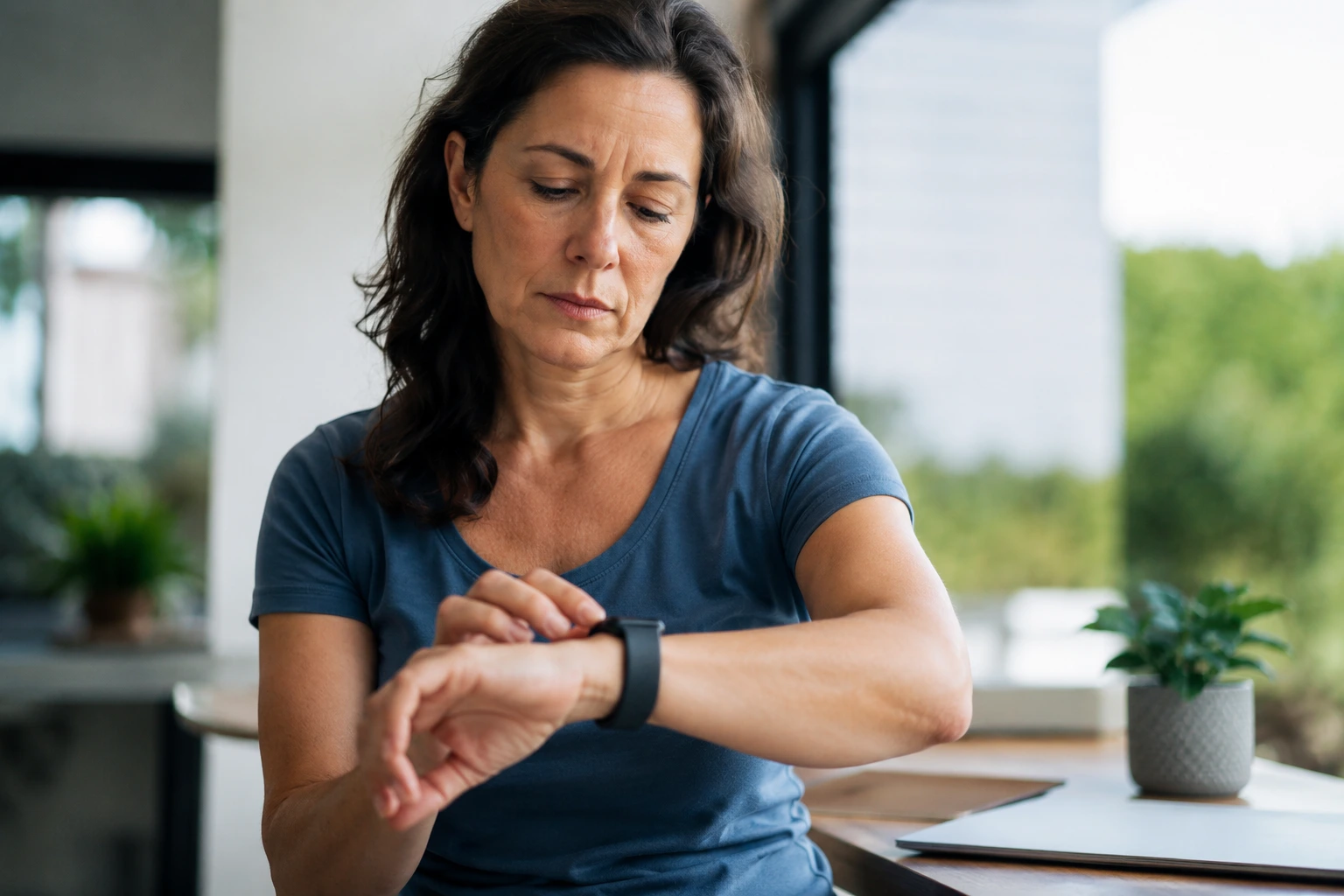
Your smartwatch health alerts keep dropping the ball when you need them most, and it’s driving you crazy because you bought the thing specifically to stay on top of your health.
Troubleshooting smartwatch health alerts
When your smartwatch starts sending inconsistent or wildly inaccurate alerts, the problem usually traces back to a few common culprits. Start by examining the sensor contact points on the back of your device. Over time, sweat, lotion, and dead skin cells accumulate on these tiny sensors, creating a barrier that blocks accurate readings. Use a soft, dry cloth to gently clean the sensor area. Next, check how snugly your smartwatch sits on your wrist. Many women wear their devices too loose, especially if they prefer a delicate look, but this directly impacts sensor accuracy. Your smartwatch needs consistent skin contact to read your heart rate and other metrics reliably. Tighten it just enough that you can slide one finger underneath. Finally, outdated software is a silent saboteur. Manufacturers regularly release firmware updates that fix bugs and improve sensor calibration. Check your device settings weekly and install updates as soon as they become available. These three steps alone resolve the majority of alert problems women experience.
- Clean sensor contact points weekly with a soft, dry cloth to remove buildup from sweat and lotions.
- Wear your smartwatch snug but comfortable, positioning it about half an inch above your wrist bone for optimal readings.
- Enable automatic firmware updates or manually check for updates every seven to ten days to access bug fixes and sensor improvements.
Optimizing smartwatch health alerts for women
Women’s bodies have unique physiological patterns that standard smartwatch algorithms don’t always account for. Hormonal fluctuations throughout your menstrual cycle can cause your resting heart rate to vary by ten to twenty beats per minute, which sometimes triggers false alerts. Rather than ignoring these variations, use them as data points. Many health apps now allow you to log your cycle, which helps the smartwatch learn your personal baseline. Placement matters more for women than manufacturers typically acknowledge. If you have smaller wrists, positioning your watch slightly higher toward your forearm can improve sensor contact. During workouts or activities that cause significant arm movement or sweat, consider moving your watch to your other wrist temporarily, as this can reduce false motion detection. Some women find that wearing their smartwatch over a thin long-sleeve shirt during intense exercise prevents sweat from interfering with sensor accuracy. Experiment with these adjustments over a two-week period and note which setup produces the most reliable alerts for your body.
📘 Fix your day in under 2 minuteschoose where to begin:
Syncing smartwatch health data across devices
A smartwatch alone tells only part of your health story. When you sync your device data with health apps on your phone or computer, patterns emerge that isolated data can’t reveal. Start by connecting your smartwatch to the companion app on your smartphone. Most devices sync automatically via Bluetooth, but you may need to manually initiate the first sync. Once connected, enable cloud backup so your data persists even if you lose your phone. Next, consider adding a secondary health app like Apple Health, Google Fit, or a third-party option such as MyFitnessPal or Strava. These platforms aggregate data from multiple sources, giving you a comprehensive view of your activity, sleep, nutrition, and stress levels. For example, you might notice that your heart rate spikes on days when you sleep poorly and skip breakfast. This connection wouldn’t be obvious from smartwatch alerts alone. Some women also sync their data with their healthcare provider’s patient portal, which allows doctors to monitor chronic conditions more effectively. This multi-device approach transforms your smartwatch from a standalone gadget into part of an integrated health ecosystem.
Setting personalized health goals
Generic health targets don’t work for most women because our bodies and lifestyles vary dramatically. Instead of aiming for the standard ten thousand steps daily, consider what’s realistic for your schedule and fitness level. If you work a desk job, perhaps your goal is three thousand intentional steps plus two strength training sessions weekly. If you’re managing a chronic condition like hypertension, your focus might be on maintaining a resting heart rate below sixty-five beats per minute and logging seven to eight hours of sleep nightly. Use your smartwatch alerts as accountability tools by setting notifications that align with these personal goals. For instance, set an hourly reminder to move if you’re sedentary, or a bedtime alert reminding you to start winding down thirty minutes before sleep. Many women find that breaking large goals into weekly milestones feels more achievable than focusing on annual targets. Track your progress in a simple notebook or spreadsheet alongside your smartwatch data. After four weeks, review what’s working and adjust your goals accordingly. This iterative approach keeps you engaged without feeling overwhelmed by unrealistic expectations.
Maintaining smartwatch health alert consistency
Consistency requires ongoing maintenance, not just a one-time setup. Create a simple monthly routine that takes about fifteen minutes. First, deep-clean your smartwatch by gently wiping all surfaces with a slightly damp microfiber cloth, paying special attention to the sensor area and charging contacts. Second, review your device settings to confirm all health alerts are still enabled and calibrated correctly. Third, check for software updates and install them if available. Fourth, recalibrate your personal metrics by manually entering your height, weight, and age if your smartwatch allows it, as these inputs affect how the device calculates calories and other estimates. Keep your smartwatch dry by removing it before showering or swimming unless it’s specifically waterproof rated. Store it in a cool, dry place away from direct sunlight when not in use. If you notice alert accuracy declining despite these efforts, consult the manufacturer’s troubleshooting guide or contact their support team. Some women benefit from resetting their device to factory settings and reconfiguring it from scratch, which often resolves persistent glitches. By treating your smartwatch like any other health tool that requires care, you ensure it remains a reliable partner in your wellness journey.
Troubleshoot by cleaning sensors and updating software, optimize for your unique physiology, sync data across devices for better insights, set goals that actually fit your life, and maintain your device consistently. These steps transform your smartwatch from a frustrating gadget into a dependable health companion.
Why are my smartwatch health alerts inaccurate sometimes?
Inaccuracy usually stems from dirty sensors, loose device placement, outdated software, or hormonal fluctuations affecting your baseline metrics. Clean your sensors weekly, ensure snug wrist contact, update firmware regularly, and log personal health patterns like your menstrual cycle to help your device learn your normal ranges.
How can I maximize the benefits of smartwatch health alerts?
Maintain consistent sensor contact, sync data with companion apps and health platforms, set personalized goals that match your lifestyle, keep your device clean and updated, and review your data monthly to identify patterns. This integrated approach transforms isolated alerts into actionable health insights.
Others also read:
Disclaimer: This article is for informational purposes only and is not a substitute for professional medical advice. Always consult a healthcare professional for personal guidance.
This guide has been prepared and reviewed by the GlobalHealthBeacon editorial team and reflects current medical research as of 2026. It provides structured, evidence-based information to support informed health decisions.
