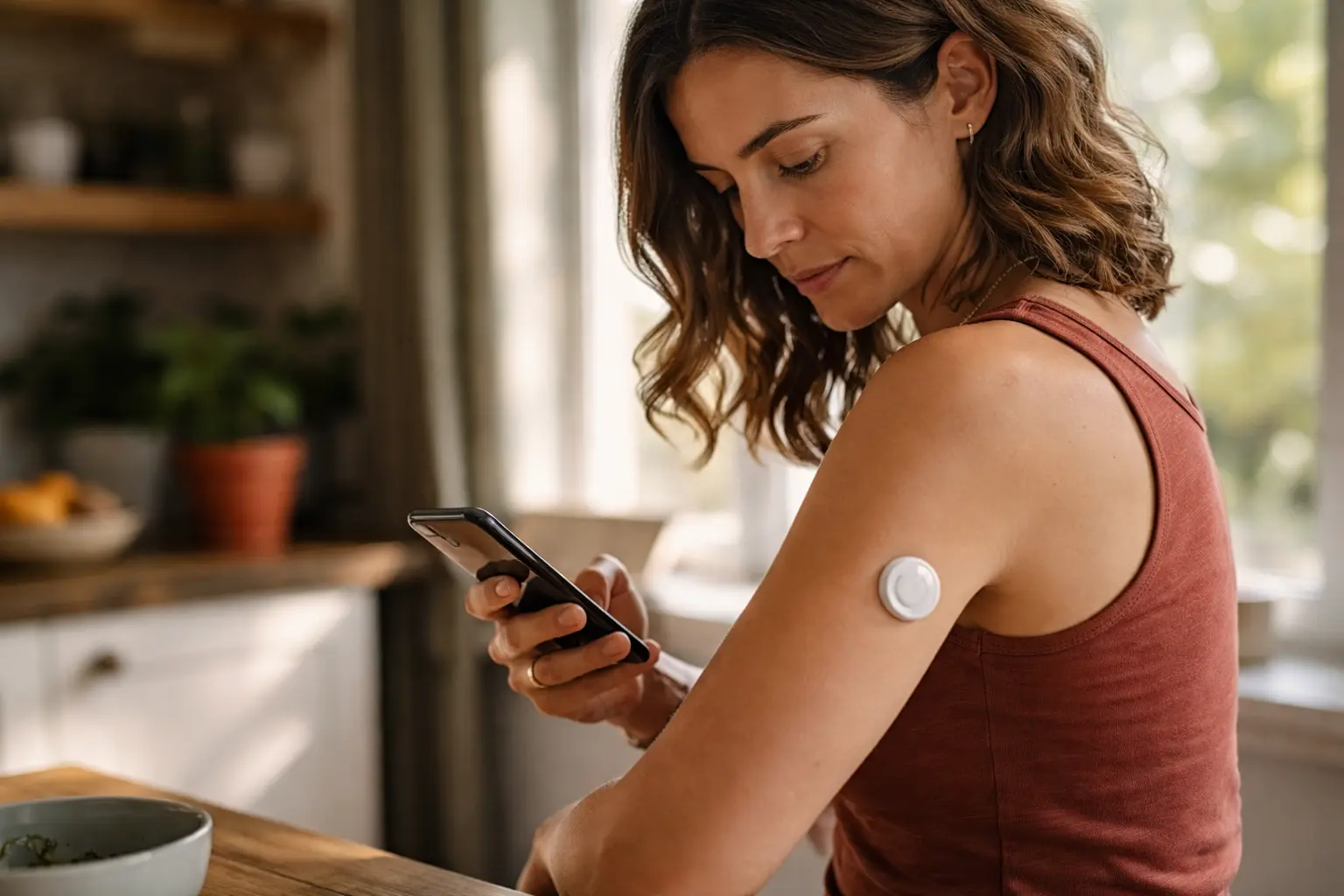
Pricking your finger multiple times a day to check blood sugar is exhausting, painful, and honestly feels like it takes over your life, but a continuous glucose monitor explained simply could change everything about how you manage your diabetes.
Understanding continuous glucose monitors (CGM)
Continuous Glucose Monitors are small wearable devices that sit just under your skin and work quietly in the background, measuring your blood sugar levels every few minutes around the clock. Instead of the traditional fingerstick method where you poke your finger multiple times daily, a CGM sensor stays in place for one to two weeks and automatically sends glucose readings to a receiver or your smartphone. Think of it like having a personal health assistant that never sleeps. For seniors who may have arthritis, vision problems, or simply tire of the constant testing routine, this shift from reactive fingerstick testing to continuous monitoring is genuinely life-changing. The device eliminates the guesswork and gives you a complete picture of how your blood sugar responds to meals, activity, stress, and sleep patterns. You’ll see trends and patterns that fingerstick testing could never reveal, allowing you to understand your body in ways that weren’t possible before.
- CGMs use a tiny sensor inserted under the skin to measure glucose levels in the interstitial fluid every few minutes.
- The sensor sends this data wirelessly to a receiver or smartphone app, giving you immediate feedback on your blood sugar trends.
- CGMs offer a more convenient and less invasive alternative to traditional fingerstick testing for monitoring blood sugar.
Benefits of using a CGM for seniors
For seniors managing diabetes, a CGM removes the burden of constant finger pricks and memory lapses about when you last tested. Imagine waking up at 3 AM worried about low blood sugar, only to discover your CGM has been tracking you all night and can alert you before anything dangerous happens. Many seniors find that CGMs reduce anxiety around diabetes management because the device provides real-time reassurance and early warning signs. You get automatic alerts if your blood sugar drops too low or climbs too high, which is especially valuable if you live alone or have family members who want to monitor your health remotely. The convenience factor matters more than you might think. No more carrying lancets, test strips, and a glucose meter everywhere. No more fumbling with small components when your hands are shaky or your eyesight isn’t perfect. The data also helps your doctor make better decisions about your medications and lifestyle adjustments because you’re providing complete, accurate information instead of sporadic fingerstick readings.
📘 Fix your day in under 2 minuteschoose where to begin:
Comparing different CGM devices
The main CGM options available today each have distinct strengths and weaknesses worth understanding. The Dexcom G6 and newer G7 models are popular among seniors because they’re accurate, have a smartphone app that’s relatively easy to navigate, and allow family members to follow your readings remotely through a companion app. The FreeStyle Libre system offers a different approach where you scan a small sensor with a reader device or phone rather than receiving continuous transmissions, which some people prefer because it feels less intrusive. Medtronic Guardian Connect integrates with insulin pumps if you use one, making it convenient for seniors on insulin therapy. Consider real-world scenarios like this: if you have arthritis and struggle with fine motor skills, the FreeStyle Libre’s scanning method might be easier than managing a separate transmitter. If you travel frequently and want your adult children to know your glucose trends, Dexcom’s sharing features become invaluable. Accuracy matters too. All modern CGMs are reasonably accurate, but some seniors report better results with certain brands based on their body chemistry and sensor placement. Your healthcare provider can guide you toward the option that aligns with your specific situation, medication regimen, and lifestyle needs.
Tips for choosing the right CGM for seniors
Start by asking yourself practical questions about your daily life and needs. How long do you want a sensor to last before replacing it? If you dislike frequent changes, the 14-day sensors might appeal to you more than 10-day options. Do you want your family involved in monitoring, or do you prefer privacy? This determines whether you need strong data-sharing features. What’s your comfort level with technology? Some seniors thrive with smartphone apps while others prefer a dedicated receiver device they can hold in their hand. Check your insurance coverage early because this often determines which device you can actually afford. Many insurance plans cover CGMs for seniors with diabetes, but requirements vary. Some insurers require a prescription from your doctor, proof that you’ve tried other methods first, or documentation of specific blood sugar patterns. Call your insurance company before investing time in learning about a device you can’t afford. Talk with your doctor about your specific health situation. If you have kidney disease, certain CGM features become more important. If you live alone, the alert system becomes critical. If you’re on multiple medications, your doctor might recommend a device that integrates with your other health tools. Don’t rush this decision. Many manufacturers offer free trial periods or sample sensors so you can test the device on your skin before committing.
Managing your blood sugar with a CGM
Once your CGM arrives and you’ve inserted that first sensor, the real work begins, but it’s work that pays off quickly. The first week is a learning curve. You’ll discover that your blood sugar responds to things you never realized, like stress from a doctor’s appointment or how a particular restaurant’s food affects you differently than home-cooked meals. Keep a simple food and activity log during this first month so you can correlate what you see on your CGM with what you’re actually doing. This creates patterns you can recognize and adjust. For example, you might notice that your 3 PM blood sugar always spikes after your afternoon coffee with a muffin, but stays stable when you have coffee with nuts instead. That insight is gold. Follow the manufacturer’s instructions for sensor placement, calibration if required, and data interpretation. Some CGMs need occasional fingerstick calibrations while others don’t. Read the manual thoroughly or watch tutorial videos because proper use directly affects accuracy. Set your alarms thoughtfully. Too many alerts will drive you crazy and you’ll start ignoring them. Too few and you’ll miss important information. Most seniors benefit from alerts set at their target range boundaries, plus a low-blood-sugar alert set conservatively to give them time to treat before it becomes dangerous. Review your data weekly with your healthcare provider or at least monthly on your own. Look for patterns in your glucose trends and discuss adjustments to your diet, exercise, or medications based on what the data reveals. The CGM is a tool that only works when you actively use the information it provides.
Continuous Glucose Monitors are invaluable tools for seniors managing diabetes, offering real-time insights into blood sugar levels without the burden of constant finger pricks. By understanding how different CGM devices work, comparing their features based on your lifestyle, and using the data actively to make informed decisions about diet and exercise, you can choose the best option for your health needs and gain genuine peace of mind about your diabetes management.
Are CGMs covered by insurance for seniors?
Many insurance companies cover CGMs for seniors with diabetes. It’s advisable to check with your insurance provider to understand the specific coverage details and requirements.
How often should CGM sensors be replaced?
CGM sensors typically need to be replaced every 7 to 14 days, depending on the specific device. Follow the manufacturer’s guidelines for sensor replacement to ensure accurate and reliable glucose monitoring.
Others also read:
Disclaimer: This article is for informational purposes only and is not a substitute for professional medical advice. Always consult a healthcare professional for personal guidance.
This guide has been prepared and reviewed by the GlobalHealthBeacon editorial team and reflects current medical research as of 2026. It provides structured, evidence-based information to support informed health decisions.
