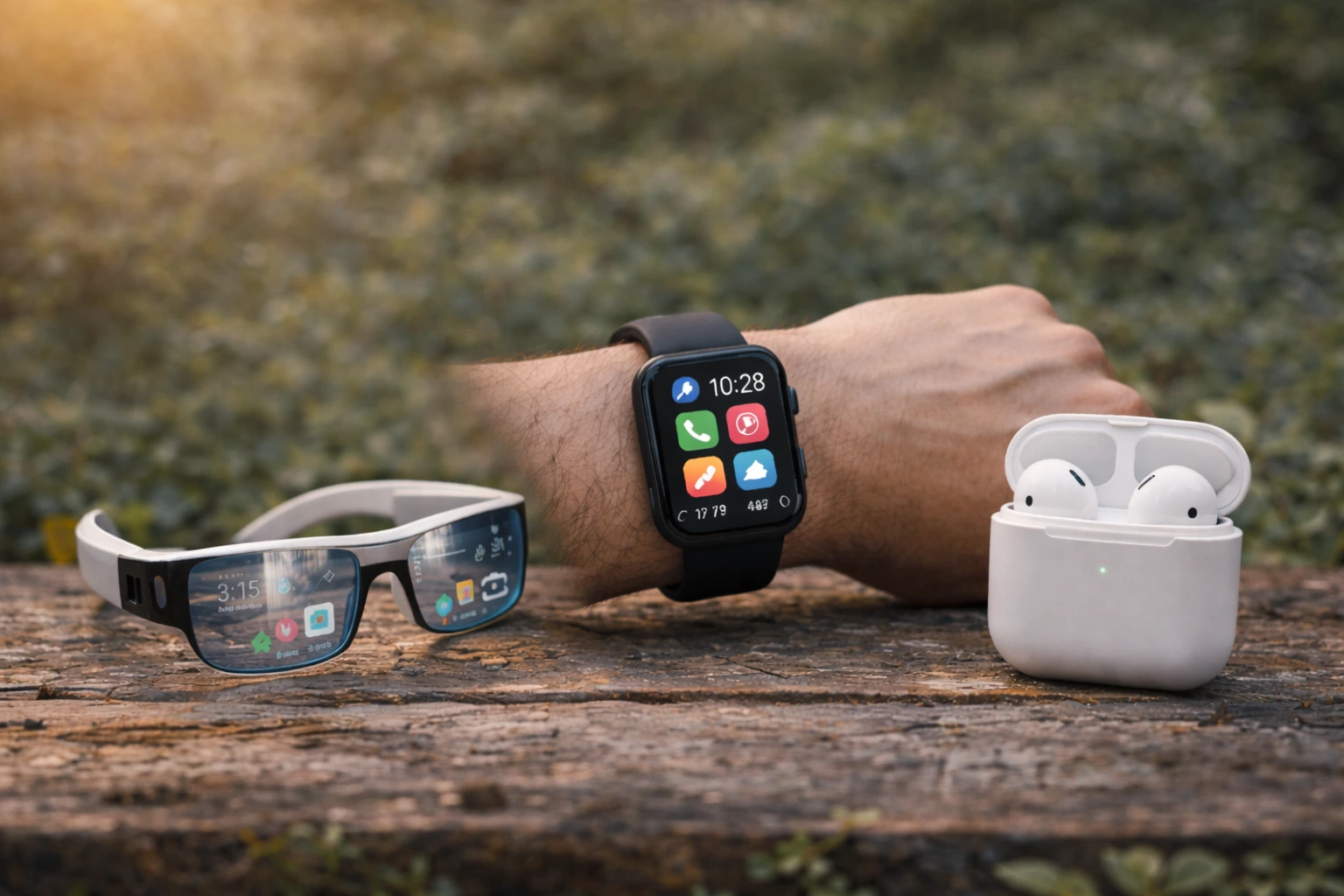
Your phone keeps getting more complicated, the screen is too small to read without squinting, and you’re tired of wrestling with updates that break everything you finally learned to use – but what if you didn’t have to choose between staying connected and keeping things simple, because technologies replacing mobile phones are finally catching up to what seniors actually need.
Smartwatches: more than just timekeepers
Smartwatches have evolved into genuine communication hubs that sit right on your wrist. Imagine being able to glance down and see who is calling without fumbling through pockets or purses. A typical scenario: your daughter calls while you are gardening, and instead of running inside to answer, you simply tap your wrist and chat while continuing your work. These devices let you receive calls, read and send text messages, and even access emergency contacts instantly. Beyond communication, smartwatches monitor your heart rate, track daily steps, and remind you to take medications on schedule. The larger fonts and simplified interfaces make them far more accessible than traditional smartphones. Many models offer fall detection that automatically alerts emergency contacts if you take a tumble, giving both you and your family peace of mind. The battery typically lasts several days, so you are not constantly hunting for a charger.
- Receive notifications directly on your wrist
- Make calls without reaching for your phone
- Monitor your health and fitness goals effortlessly
Tablets: large screens for better visibility
Tablets bridge the gap between smartphones and computers with screen sizes that make reading and typing genuinely comfortable. Picture yourself video calling your grandchildren on a seven to ten inch display where you can actually see their faces clearly, or reading the news without needing reading glasses. The larger screen real estate reduces eye strain significantly, which matters when you are spending time staying informed or staying in touch with loved ones. Tablets come with straightforward interfaces designed for touch navigation, meaning no complicated button combinations to memorize. You can install apps for video calls, email, news, books, and games all in one place. Many seniors find that tablets work perfectly for checking weather, managing appointments, and accessing health information from their doctor. The keyboards are optional, so you can type when you want or use voice commands instead. Battery life typically stretches eight to ten hours, making them reliable for full days away from home.
📘 Fix your day in under 2 minuteschoose where to begin:
Voice assistants: hands-free communication
Voice assistants like Amazon Alexa and Google Assistant transform your home into an intelligent communication center where you simply speak to stay connected. Consider this real scenario: you are in the kitchen preparing dinner and want to call your son. Instead of stopping, washing your hands, and finding your phone, you simply say the command and the call connects through your speaker. Voice assistants handle phone calls, text messages, reminders for medications, weather updates, and even emergency calls without requiring you to touch anything. For seniors with arthritis or limited mobility, this hands-free approach removes major barriers to staying connected. You can ask questions aloud and get instant answers, set timers for cooking, control your home lights, and access entertainment. The devices are affordable, require minimal setup, and improve over time as they learn your preferences and speech patterns. Many seniors appreciate that voice interaction feels more natural than typing or tapping screens.
Feature phones: simplicity and functionality
Feature phones represent a return to basics, stripping away everything except what you actually use. Think of a device that does calling and texting beautifully without the distraction of social media, constant notifications, or confusing updates. These phones have large buttons, clear displays, and menus that are straightforward enough to navigate without a manual. A typical feature phone user might appreciate that their device charges once a week instead of daily, works reliably without software glitches, and costs significantly less than modern smartphones. The keyboards are physical and tactile, making typing messages easier for those with reduced dexterity. Many feature phones include emergency buttons that connect directly to preset contacts or monitoring services. They work on standard cellular networks, so you get reliable coverage everywhere. For seniors who value simplicity over features, a quality feature phone eliminates the frustration of learning new technology while keeping you connected to the people who matter.
Medical alert systems: safety first
Medical alert systems like GreatCall’s Jitterbug combine communication with genuine safety features designed specifically for seniors. Imagine wearing a device that not only lets you call for help but automatically detects if you have fallen and alerts emergency services without you needing to press anything. These systems include large buttons, clear menus, and direct access to customer service representatives who can help coordinate emergency response. Many models include GPS tracking, so family members know your location if you need assistance. The devices work on dedicated networks that prioritize reliability, meaning your call for help always gets through. You can program emergency contacts, doctors’ information, and medication lists directly into the system. Monthly monitoring services provide peace of mind knowing that trained professionals are standing by. For seniors living alone or those with health concerns, a medical alert system transforms a communication device into a comprehensive safety net that addresses both connectivity and wellbeing.
Smartwatches, tablets, voice assistants, feature phones, and medical alert systems offer versatile options as mobile phone replacements. Explore each option’s unique features and benefits to find the best fit for your communication needs.
Are smartwatches easy to use for seniors?
Yes, smartwatches are designed with user-friendly interfaces and features that cater to seniors’ needs. They offer intuitive navigation and various functions that make them accessible to older users.
Can tablets be used as a mobile phone replacement?
Absolutely, tablets provide a larger screen size and diverse app options that make them a great alternative to traditional mobile phones. Seniors can enjoy easy communication and entertainment on these devices.
Others also read:
Disclaimer: This article is for informational purposes only and is not a substitute for professional medical advice. Always consult a healthcare professional for personal guidance.
This guide has been prepared and reviewed by the GlobalHealthBeacon editorial team and reflects current medical research as of 2026. It provides structured, evidence-based information to support informed health decisions.
