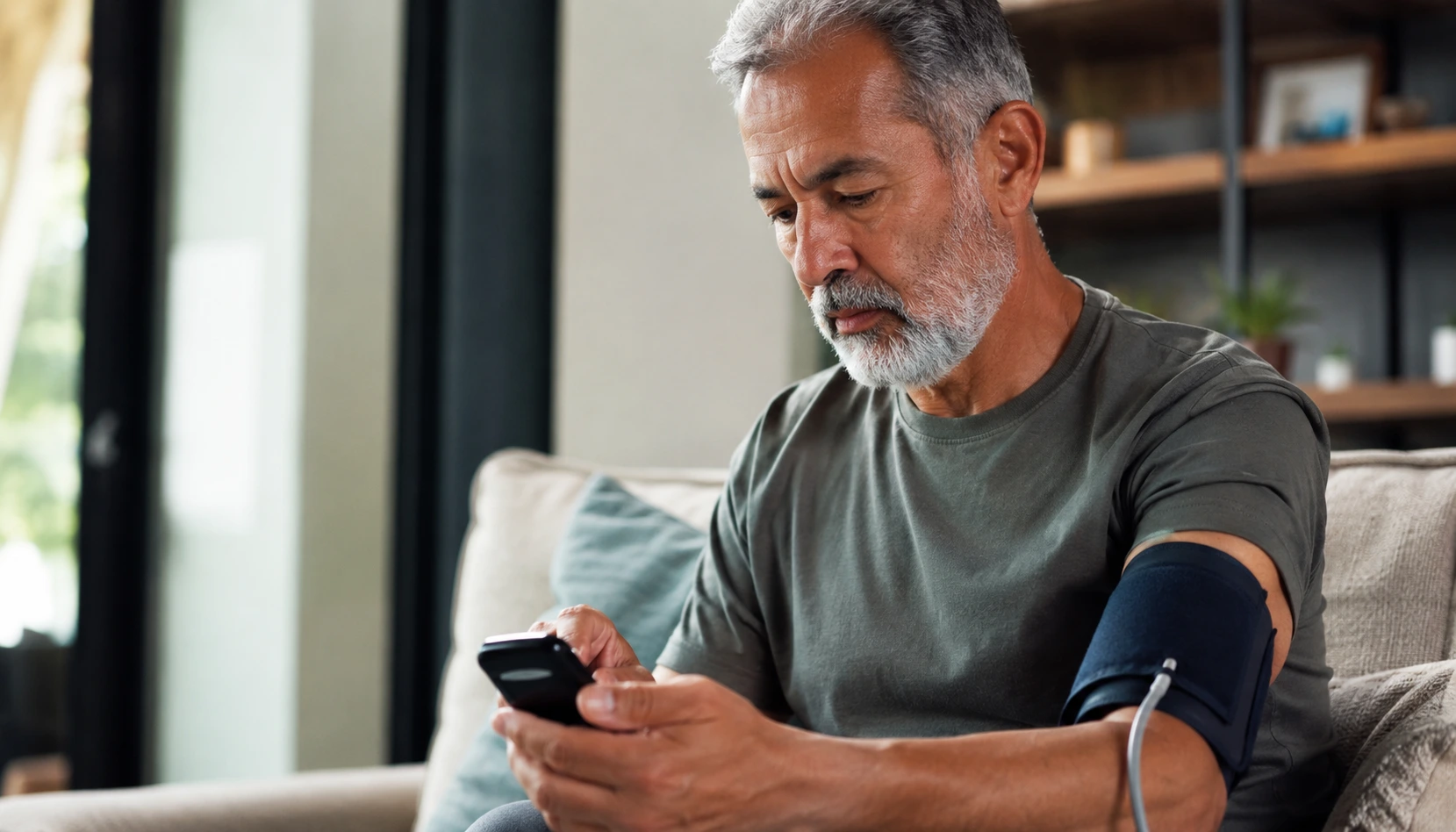
Staring at an unopened box of remote patient monitoring devices, feeling completely lost about where to start, is exactly where most women find themselves, and this guide cuts through that confusion to get you monitoring your health with confidence.
Choosing the right RPM device for you
Selecting an RPM device is like choosing the right pair of shoes: it needs to fit your life, not the other way around. Start by identifying what you actually need to monitor. Are you tracking blood pressure because of hypertension? Managing glucose levels for diabetes? Monitoring heart rhythm due to arrhythmia concerns? Once you know your specific health parameters, you can narrow down options significantly. Next, test the user interface yourself if possible. Some devices have tiny screens or complicated menu systems that feel overwhelming after a long day. Look for devices with large, intuitive buttons and clear displays. Check whether the device syncs with your existing smartphone or tablet, because wrestling with incompatible technology adds unnecessary stress. Battery life matters more than you might think, especially if you travel frequently or have a busy schedule that makes daily charging difficult. Finally, research how the device transmits data to your healthcare provider. Real-time data sharing means your doctor sees your readings immediately, which can be critical for managing chronic conditions effectively.
- Assess your monitoring needs before choosing a device
- Ensure the device is user-friendly and easy to navigate
- Check compatibility with your smartphone or tablet
- Verify if the device allows for seamless data transmission to your healthcare provider
- Consider the battery life and durability of the device
Setting up your RPM device
Opening the box and actually setting things up can feel daunting, but breaking it into smaller steps makes it manageable. Start by reading the quick-start guide, not the full manual, unless you enjoy dense technical writing. Power on your device and charge it fully before attempting to pair it with your app. Download the manufacturer’s app on your smartphone or tablet and create your account with accurate personal information, as this data helps your healthcare provider understand your baseline health metrics. When pairing, keep your device and phone within a few feet of each other and follow the on-screen prompts carefully. Some devices use Bluetooth, others use WiFi, so understand which method yours uses. Once paired successfully, you should see a confirmation message. Now input your personal health details: height, weight, age, and any relevant medical history the app requests. Customize your alert settings based on what matters to you. For example, if you have hypertension, set alerts to notify you when readings exceed your target range. Take a test reading to ensure everything communicates properly between device and app. This initial setup usually takes 15 to 30 minutes, and doing it right prevents frustration later.
📘 Fix your day in under 2 minuteschoose where to begin:
Data monitoring and interpretation
Once your device is running, the real work of monitoring begins, and understanding what you are looking at is essential. Sync your device with the app daily, ideally at the same time each day, to establish consistent readings. Most RPM apps display your data as graphs or trend lines over days, weeks, or months, which helps you spot patterns. For instance, you might notice your blood pressure spikes on stressful work days or your glucose levels rise after certain meals. These patterns are gold. Write them down or take screenshots. When you see significant changes, do not panic, but do take action. A single high reading is not necessarily alarming, but a consistent upward trend warrants a conversation with your healthcare provider. Review the notifications your device sends you, as these are often flagged for a reason. Some apps include educational content explaining what your numbers mean, which helps you become literate about your own health. Share your data with your healthcare provider regularly, even if nothing seems wrong. This proactive approach helps catch issues early and keeps your care team informed about your real-world health patterns outside the clinic.
Troubleshooting common issues
Technology fails sometimes, and knowing how to handle it keeps you from abandoning your monitoring routine. Connectivity problems are the most common issue women report. If your device stops syncing with your app, first restart both the device and your smartphone. Wait 30 seconds between shutdowns and restarts, as this clears temporary glitches. Check that Bluetooth or WiFi is enabled on your phone and that you are within range of your home network. If the problem persists, forget the device from your phone’s Bluetooth settings and re-pair it from scratch. Another frequent issue is inconsistent readings. If your blood pressure device gives wildly different results in quick succession, you might be taking readings incorrectly. Sit quietly for five minutes before measuring, keep your arm at heart level, and avoid talking during the reading. Software updates sometimes cause temporary problems. Check if updates are available in the app settings and install them when you have time to troubleshoot if needed. If you encounter error messages, take a screenshot and reference the user manual or contact customer support with that image. Most companies offer phone or email support, and they have seen your problem before.
Maintaining your RPM device
Your RPM device is an investment in your health, so treating it well extends its lifespan and ensures accurate readings. Clean the device regularly according to manufacturer instructions, typically with a soft, dry cloth or slightly damp cloth for non-electronic surfaces. For blood pressure cuffs, hand-wash the fabric cuff separately and air-dry it completely before reattaching. Never submerge electronic components in water. Keep your device charged, and if you use it daily, develop a charging routine, perhaps overnight or while you shower. Store the device in a cool, dry place away from direct sunlight, extreme temperatures, and moisture. Avoid dropping it or exposing it to impact, as internal sensors can become misaligned. Check the manufacturer’s website periodically for software updates and install them promptly, as updates often improve accuracy and fix bugs. Keep your app updated as well, since older app versions may not communicate properly with newer device firmware. If you notice the device is giving consistently inaccurate readings despite proper use, contact customer support about recalibration or replacement. Most manufacturers offer warranties covering defects, so do not hesitate to use them.
This guide provides essential steps for women to set up and maintain their remote patient monitoring devices effectively. From choosing the right device to troubleshooting common issues, empower yourself with the knowledge to monitor your health seamlessly.
How do I choose the best RPM device for my needs?
Consider factors like ease of use, compatibility, data transmission, battery life, and durability when selecting an RPM device to meet your monitoring requirements.
What should I do if I encounter connectivity issues with my RPM device?
Restart the device, ensure proper pairing, update software, and contact customer support if connectivity issues persist to troubleshoot and resolve the problem effectively.
Others also read:
Disclaimer: This article is for informational purposes only and is not a substitute for professional medical advice. Always consult a healthcare professional for personal guidance.
This guide has been prepared and reviewed by the GlobalHealthBeacon editorial team and reflects current medical research as of 2026. It provides structured, evidence-based information to support informed health decisions.
